
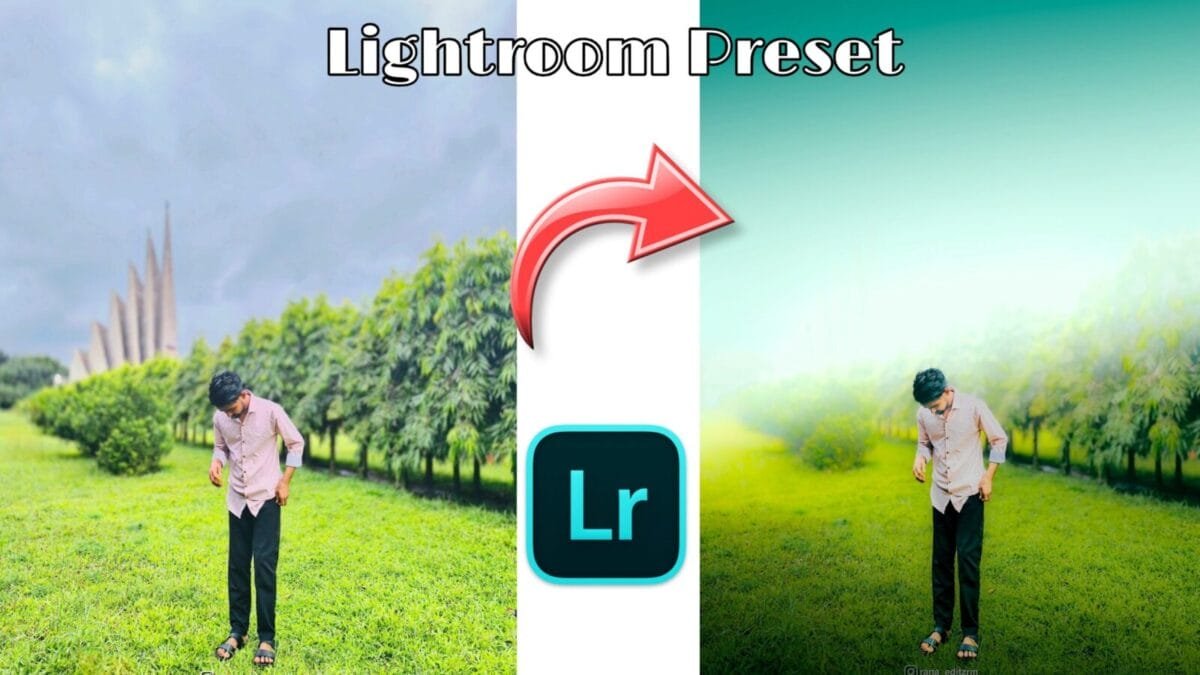
In the world of digital photography and social media, editing plays a crucial role in enhancing the look and feel of images. One of the most popular tools used by photographers, influencers, and content creators is Adobe Lightroom. Among its many features, Lightroom presets stand out as a powerful, time-saving solution that can transform photos with just one click.
What Are Lightroom Presets?
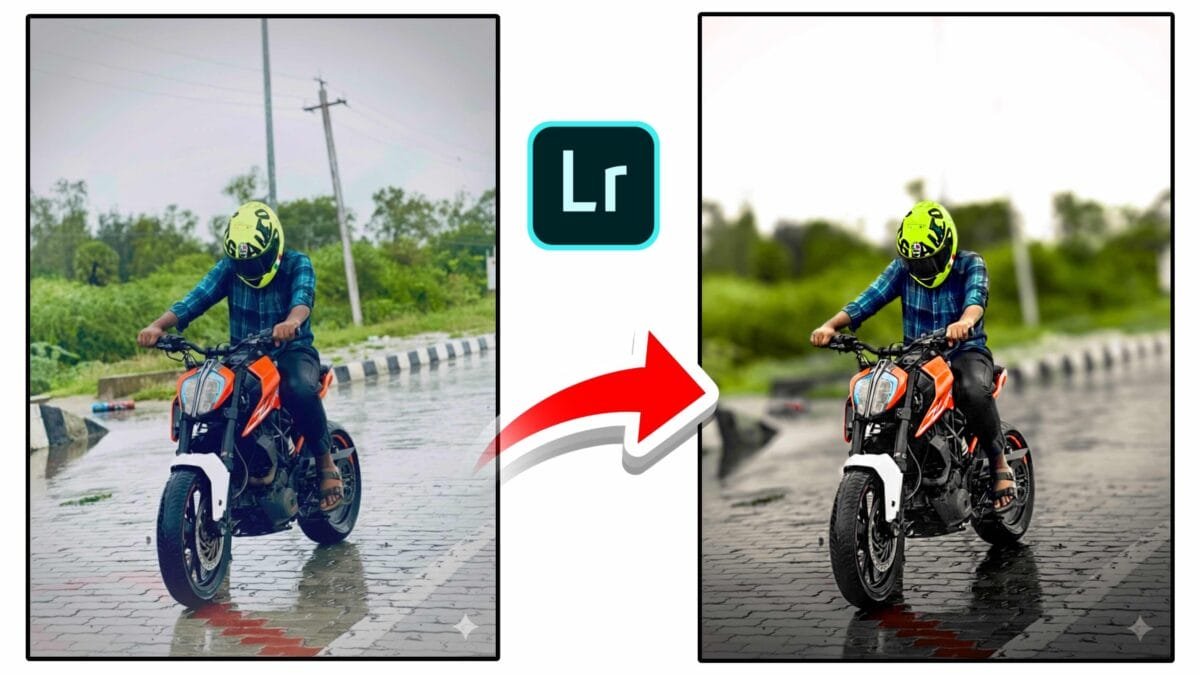
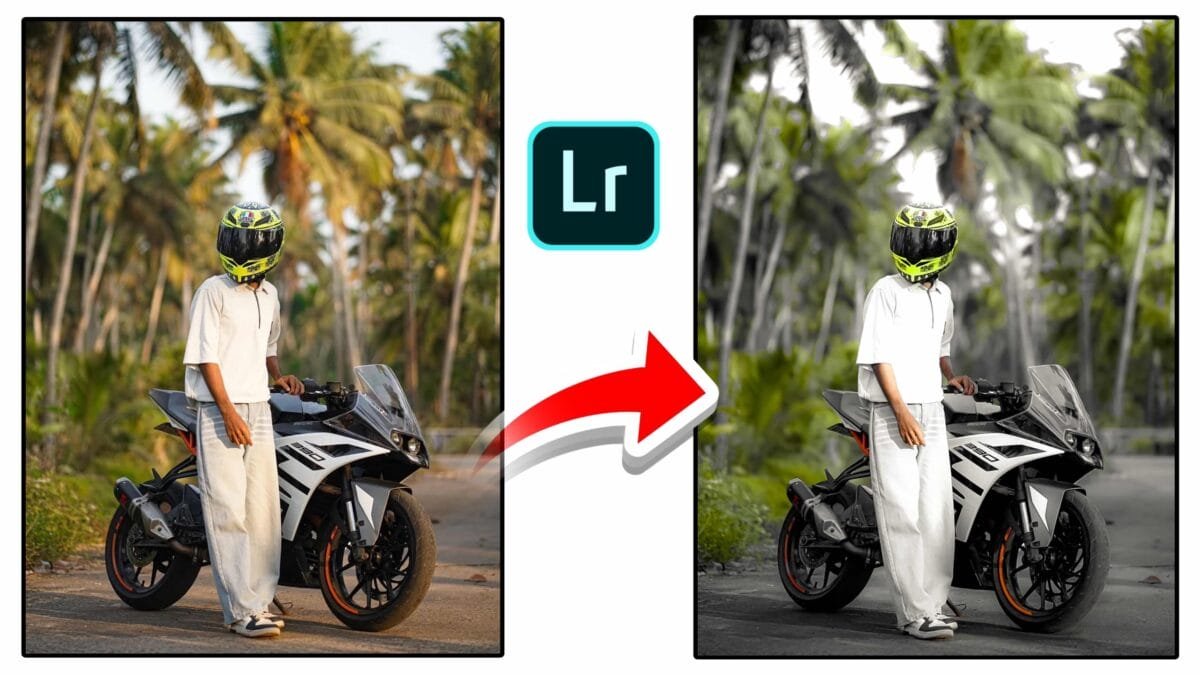
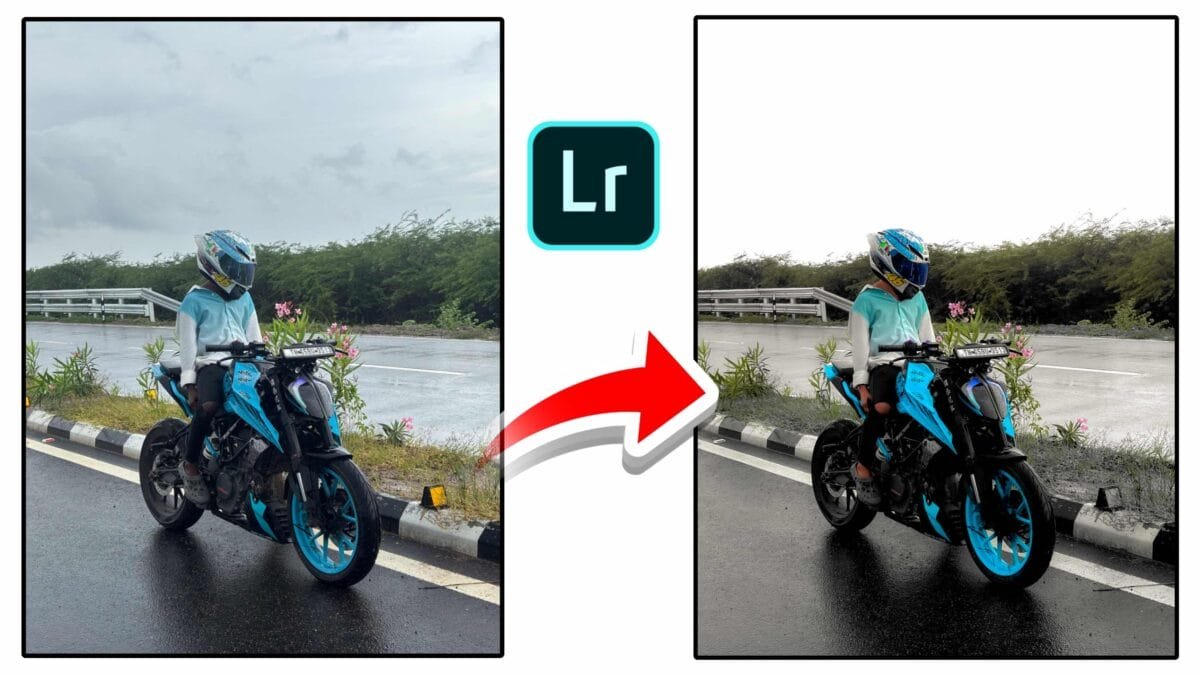
Lightroom presets are pre-configured settings that can be applied to photos in Adobe Lightroom to achieve a particular look or style. Think of them as “filters” but with more depth and customization. Each preset can adjust several aspects of a photo, including exposure, contrast, highlights, shadows, whites, blacks, color temperature, saturation, and more. Once a preset is applied, it instantly changes the appearance of the image based on those saved settings.
Presets can be created manually by users or downloaded from creators online. Many professional photographers even sell their unique presets, allowing others to emulate their signature editing styles.

Why Are Lightroom Presets So Popular?
1. Time-Saving
Editing photos one by one can be a long and tiring process, especially for those who handle hundreds of images at once. Presets help speed up this process by applying a consistent look across multiple photos in seconds.
2. Consistency in Style
Presets help maintain a consistent color tone and mood across all your photos, which is important for branding and storytelling.
3. Ease of Use for Beginners
Presets are great for beginners who want to enhance their photos without having to learn all the technical details.
4. Customizability
Even after applying a preset, Lightroom allows users to tweak the settings further to suit individual images.
Types of Presets
- Moody Presets: Deep shadows and desaturated colors for a dramatic look.
- Bright & Airy Presets: Light tones and soft whites, ideal for weddings or lifestyle content.
- Vintage Presets: Retro tones that mimic old film cameras.
- Travel Presets: Enhance landscapes, skies, and cityscapes for travel photography.
- Portrait Presets: Focused on skin tones and facial details for better portraits.
How to Install and Use Lightroom Presets
- Open Adobe Lightroom.
- Navigate to the “Presets” panel.
- Click the “+” icon and choose “Import Presets.”
- Select the preset files (usually
.xmpor.lrtemplate) from your computer. - Once imported, you can apply them to any photo by clicking on the preset name.
Note: Lightroom Mobile users can also install presets, making it easier for smartphone creators to edit on the go.
Free vs Paid Presets
There are many free Lightroom presets available online, perfect for beginners. However, paid presets usually come with professional quality, better color grading, and customer support. Buying presets from photographers also helps support their work.
Tips for Using Presets Effectively
- Start with a high-quality image.
- Use presets as a base and customize further.
- Avoid over-editing – keep photos looking natural.
- Organize your presets by type for easy access.
- Match presets with your photography style and branding.
Conclusion
Lightroom presets have revolutionized the way we edit photos. Whether you are a professional photographer, a social media influencer, or just someone who enjoys photography, presets can elevate your images and save you valuable time. With the right preset and a little creativity, anyone can achieve a consistent, polished, and professional photo editing style with just one click.




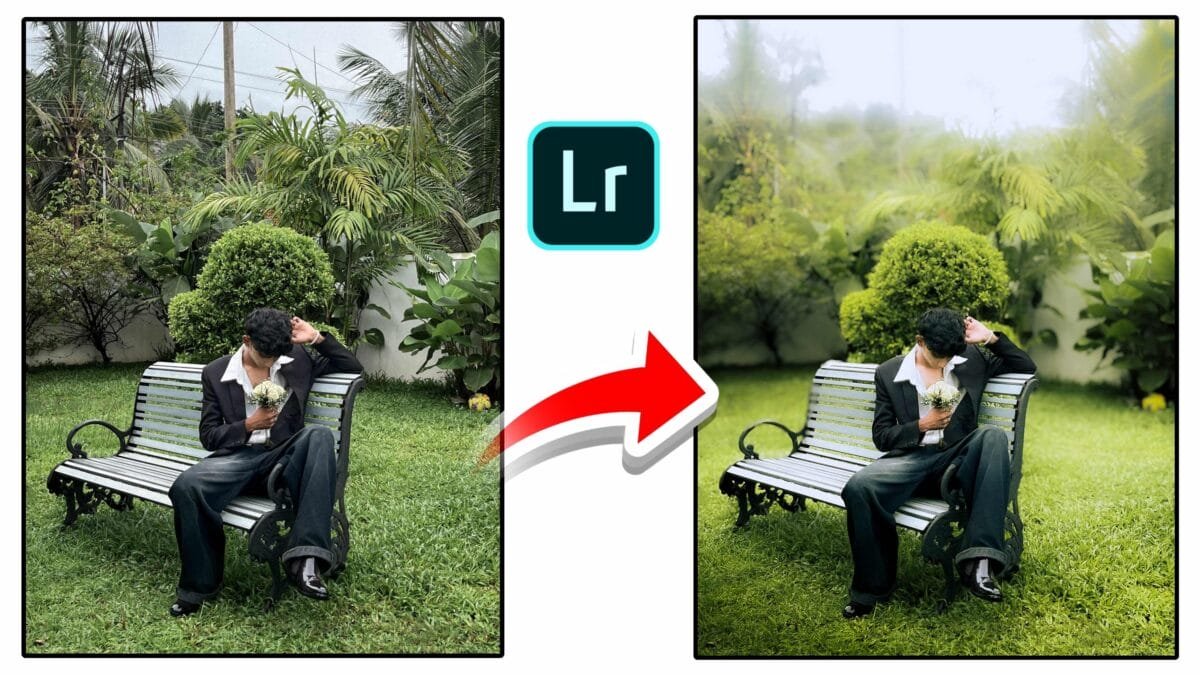
❤️❤️❤️
hehe