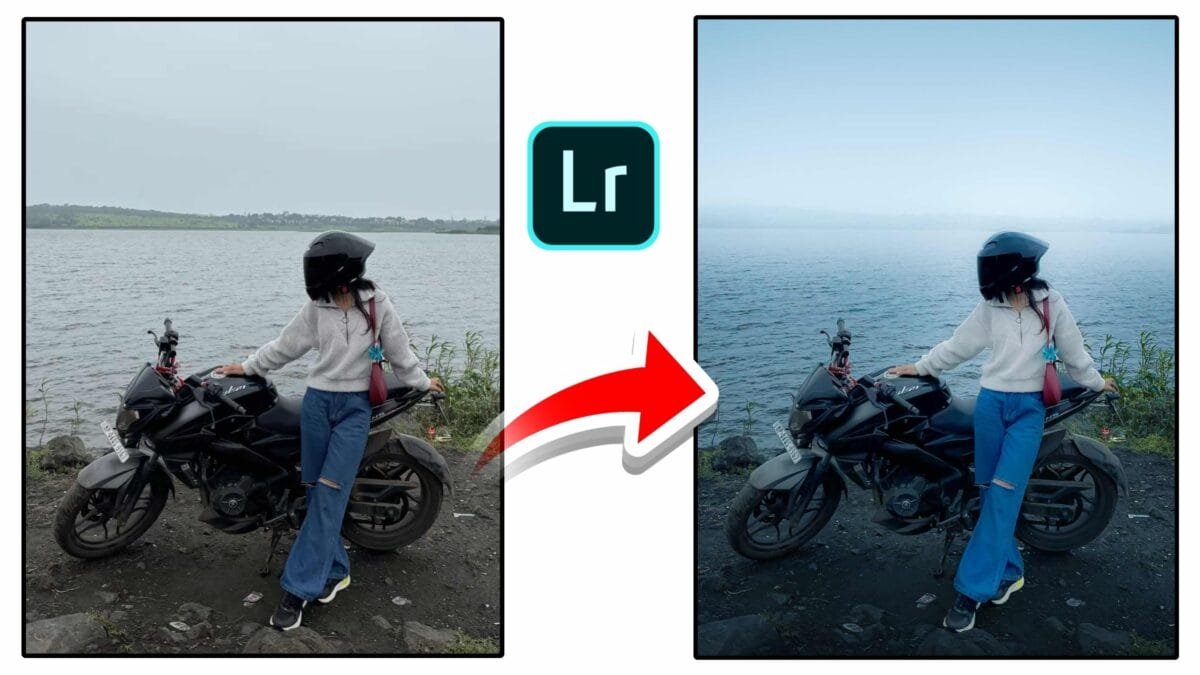
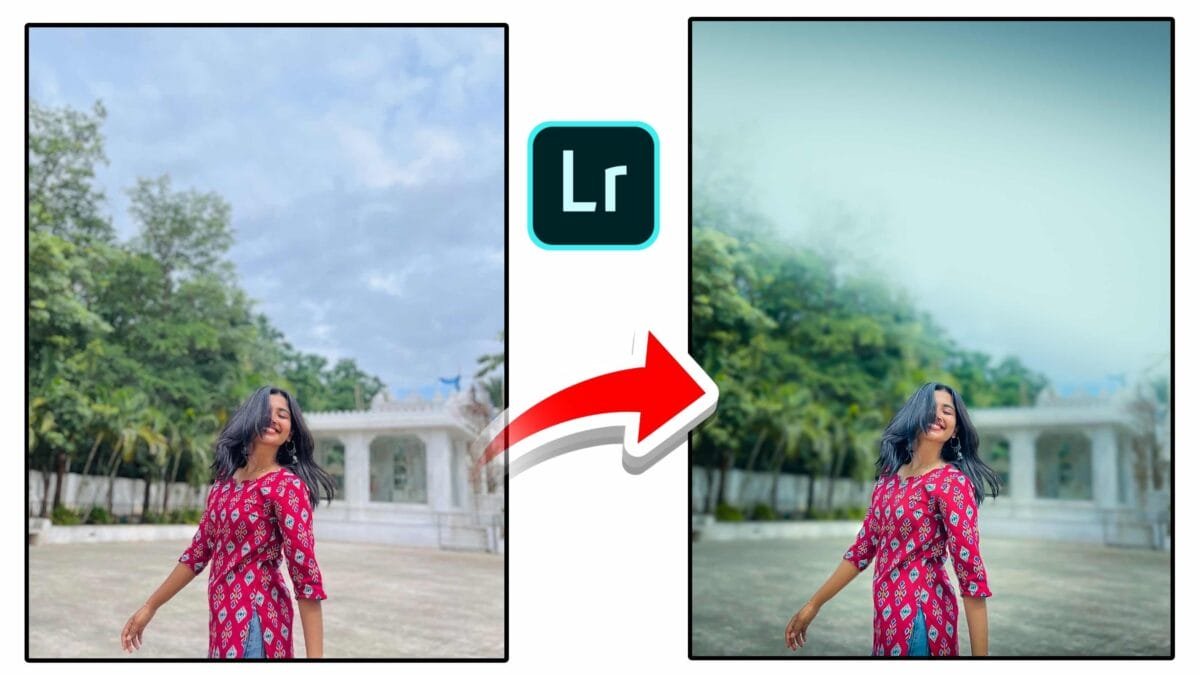
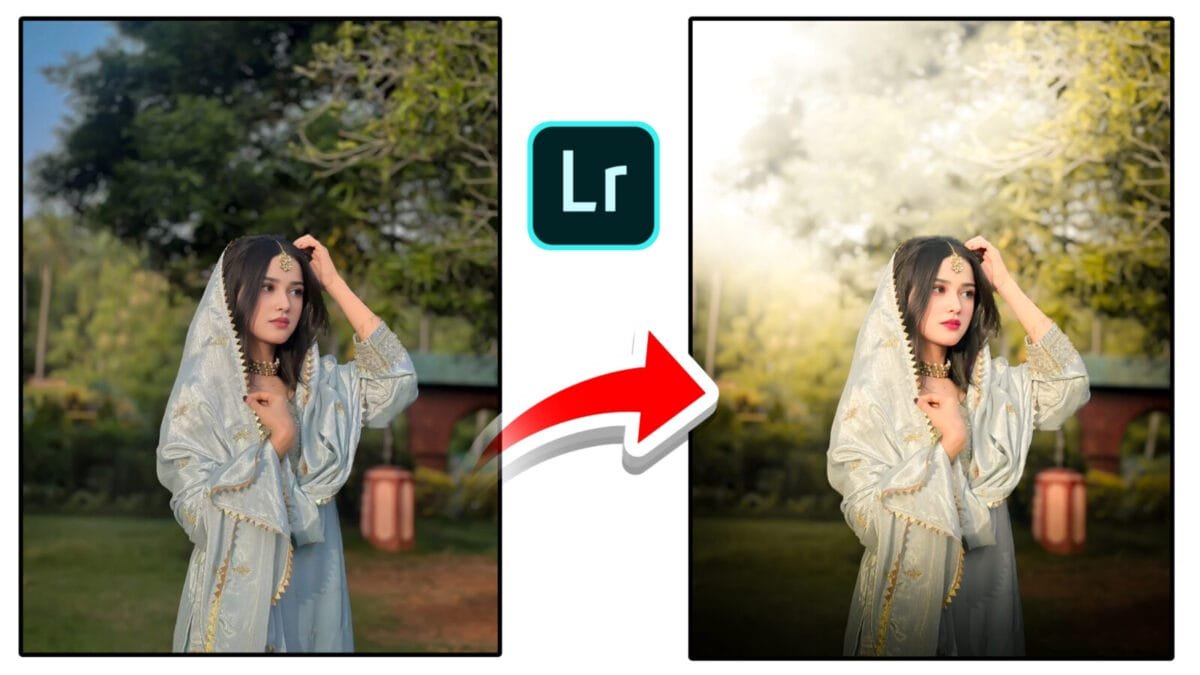
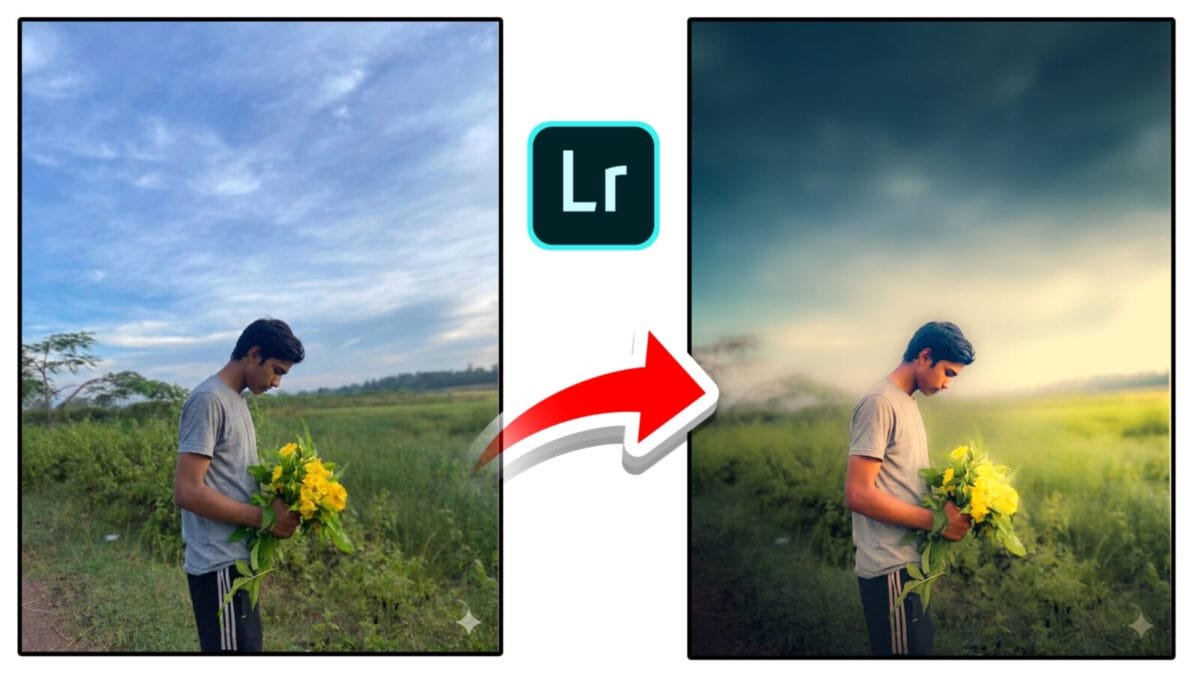
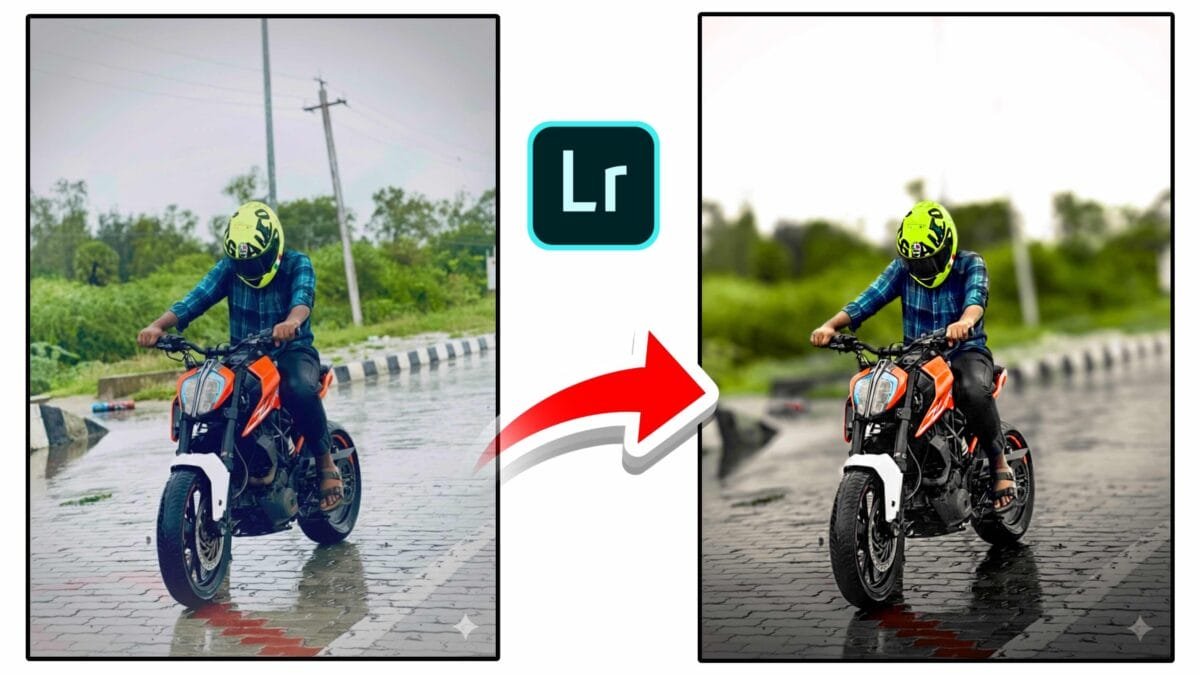
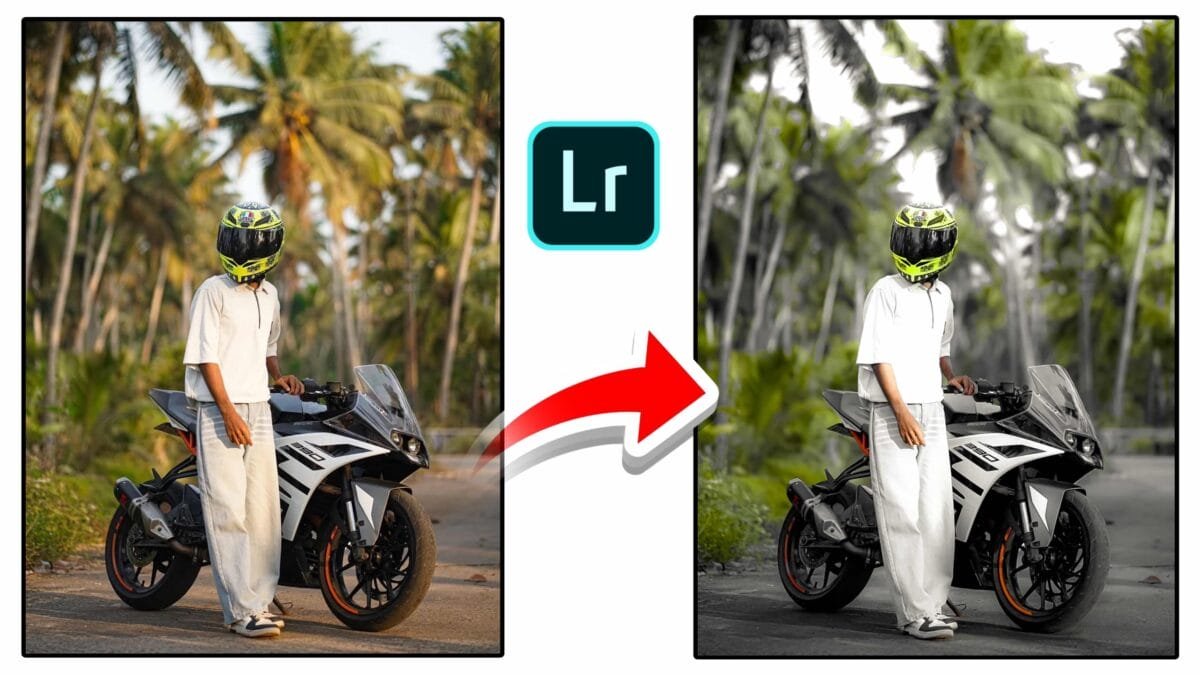
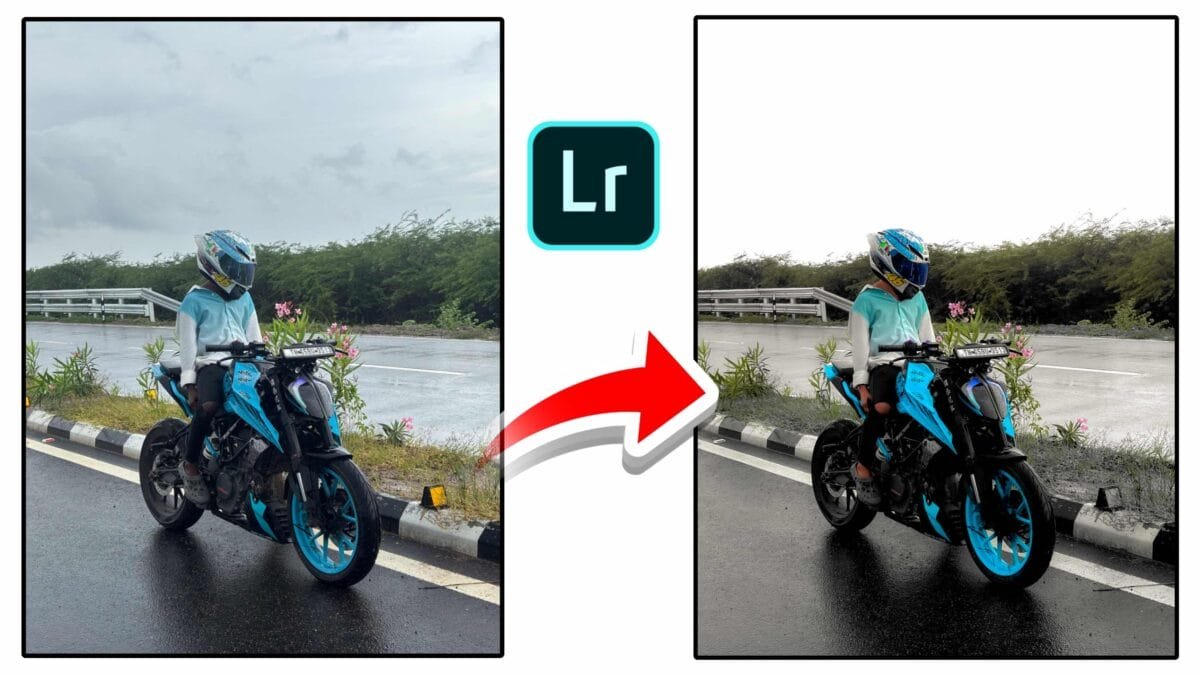
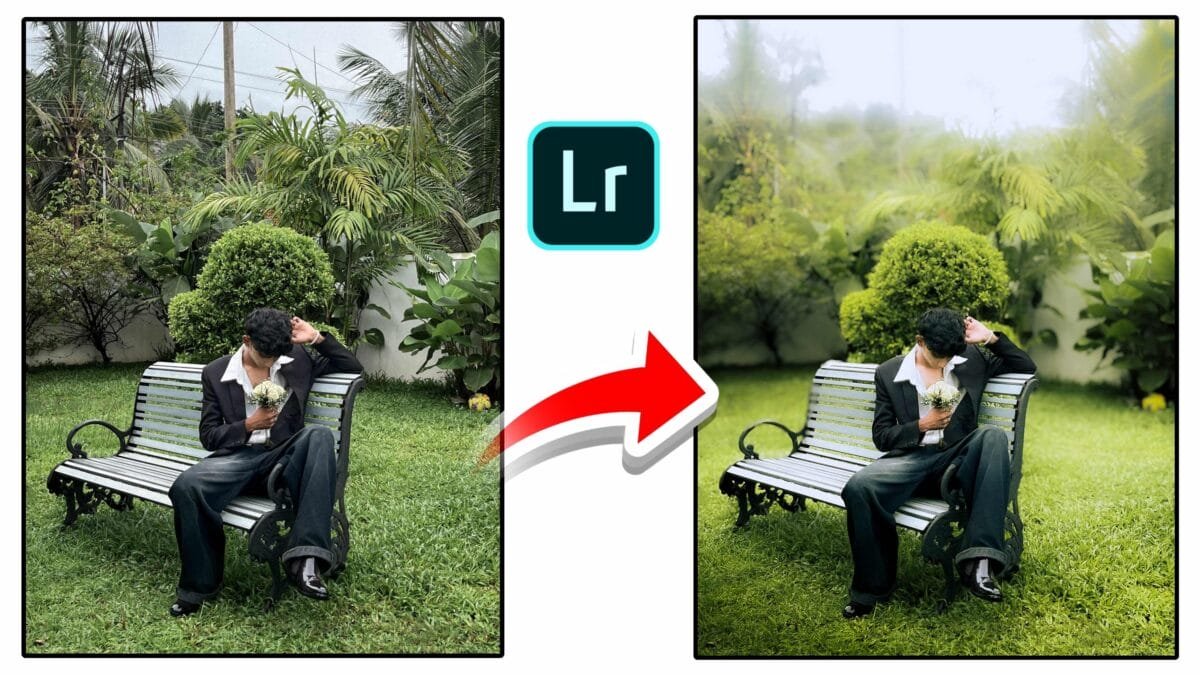
HDR Photos —
HDR photos, or High Dynamic Range images, capture a wider range of light and detail than standard photos. By combining multiple exposures or using advanced sensor data, HDR photography preserves details in both bright highlights and deep shadows. This technique is widely used in landscape, architecture, real estate, and mobile photography to create balanced, visually rich images.
What Are HDR Photos?
HDR photos are created by merging multiple images taken at different exposure levels — typically underexposed, correctly exposed, and overexposed shots. The final image retains highlight detail from darker exposures and shadow detail from brighter ones, resulting in a more realistic or dramatic representation of a scene.
Why HDR Photography Matters
- Expanded dynamic range: Capture details the human eye can see but standard cameras often miss.
- Balanced exposure: Prevent blown highlights and crushed shadows.
- Improved realism: Especially useful in high-contrast scenes like sunsets and interiors.
- Creative control: Enables both natural-looking and artistic results.
How HDR Photos Are Created

1. Bracketing in Camera
Most modern cameras offer auto exposure bracketing (AEB), capturing multiple exposures with a single click. A tripod is recommended to ensure perfect alignment between shots.
2. Single-Image HDR
Some cameras and editing software generate HDR from a single RAW file by extracting maximum highlight and shadow detail. While not as flexible as true multi-exposure HDR, it works well for moderate contrast scenes.
3. Mobile HDR
Smartphones use computational photography, combining multiple frames instantly. AI aligns images and reduces ghosting, making HDR fast and accessible for everyday users.
Editing HDR Photos
1. Merging & Tone Mapping
HDR software merges exposures into a 32-bit image, then applies tone mapping to compress dynamic range for display on standard screens while preserving detail.
2. Exposure & Contrast Control
Adjust exposure, highlights, shadows, whites, and blacks carefully. Subtle adjustments maintain realism and avoid an over-processed look.
3. Color Grading in HDR
HDR editing allows independent control over color in highlights, midtones, and shadows. Be cautious with saturation to prevent unnatural colors.
4. Deghosting & Alignment
Moving objects can create ghosting artifacts. Modern HDR tools include deghosting options to select the best exposure for moving elements.
Best Practices for Natural HDR Photos
- Use a tripod for sharp alignment.
- Bracket 3–5 exposures rather than extreme ranges.
- Avoid excessive clarity and saturation.
- Protect skin tones in portraits.
- Check results at 100% zoom.
Pro tip: Aim for subtle HDR. The best HDR photos don’t look like HDR — they look natural and well-exposed.
Common HDR Photography Uses
| Genre | Why HDR Works |
|---|---|
| Landscape | Handles bright skies and dark foregrounds |
| Architecture | Preserves interior and exterior details |
| Real estate | Balanced lighting for rooms and windows |
| Mobile photography | Fast results in challenging light |
Limitations of HDR Photos
HDR images can look artificial if overdone. Moving subjects may cause ghosting, and file sizes can be larger. HDR displays and formats are improving, but not all screens show true HDR yet.
Conclusion
HDR photography is a powerful technique for capturing scenes with extreme contrast. When used thoughtfully, it produces images that are rich in detail and true to real-world lighting. By mastering bracketing, tone mapping, and careful editing, photographers can create HDR photos that are both visually striking and natural.
Want this article customized specifically for Lightroom HDR merge, mobile HDR, or real estate workflows? I can tailor it for you.