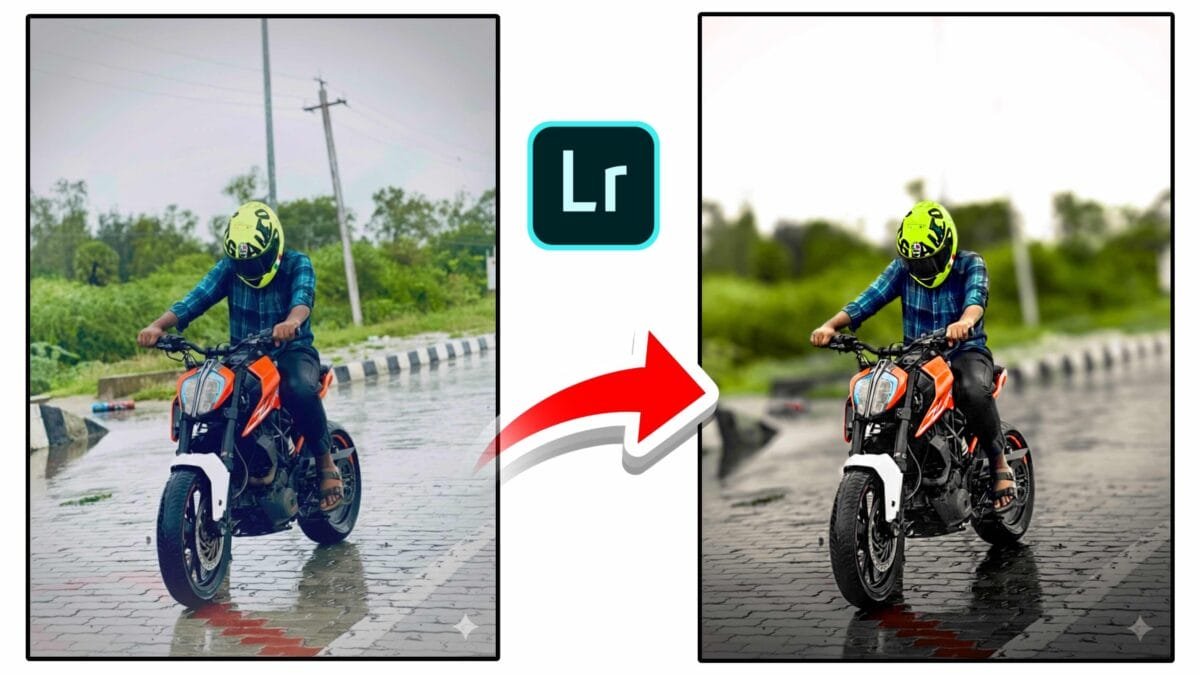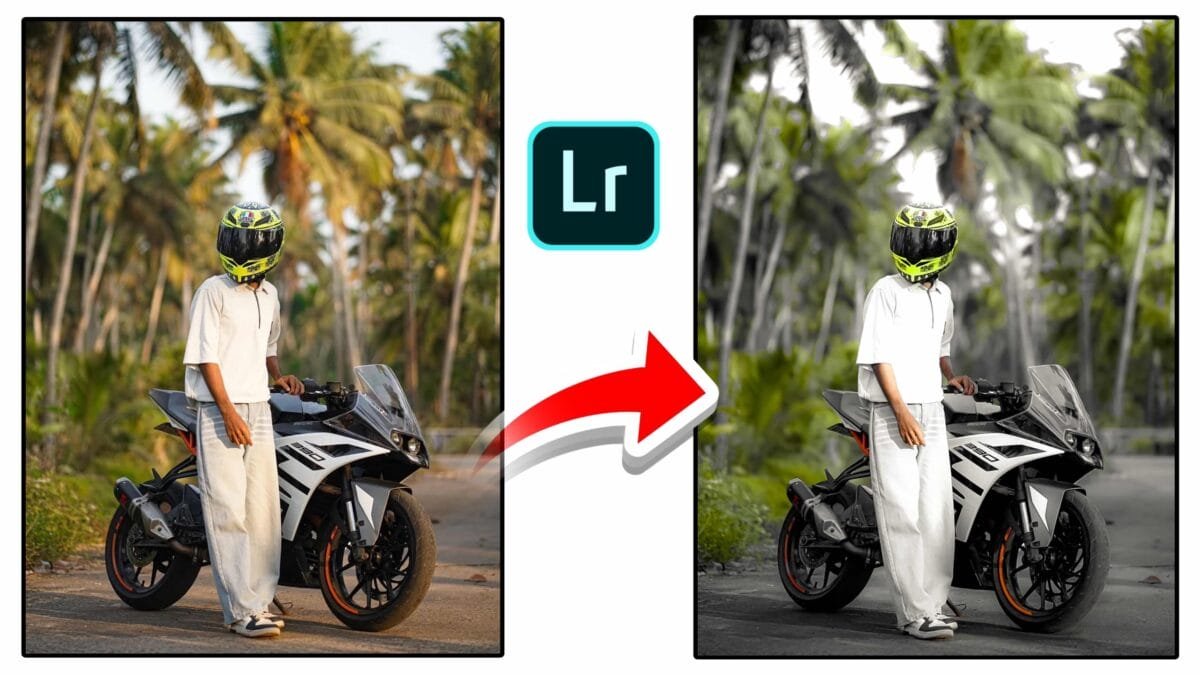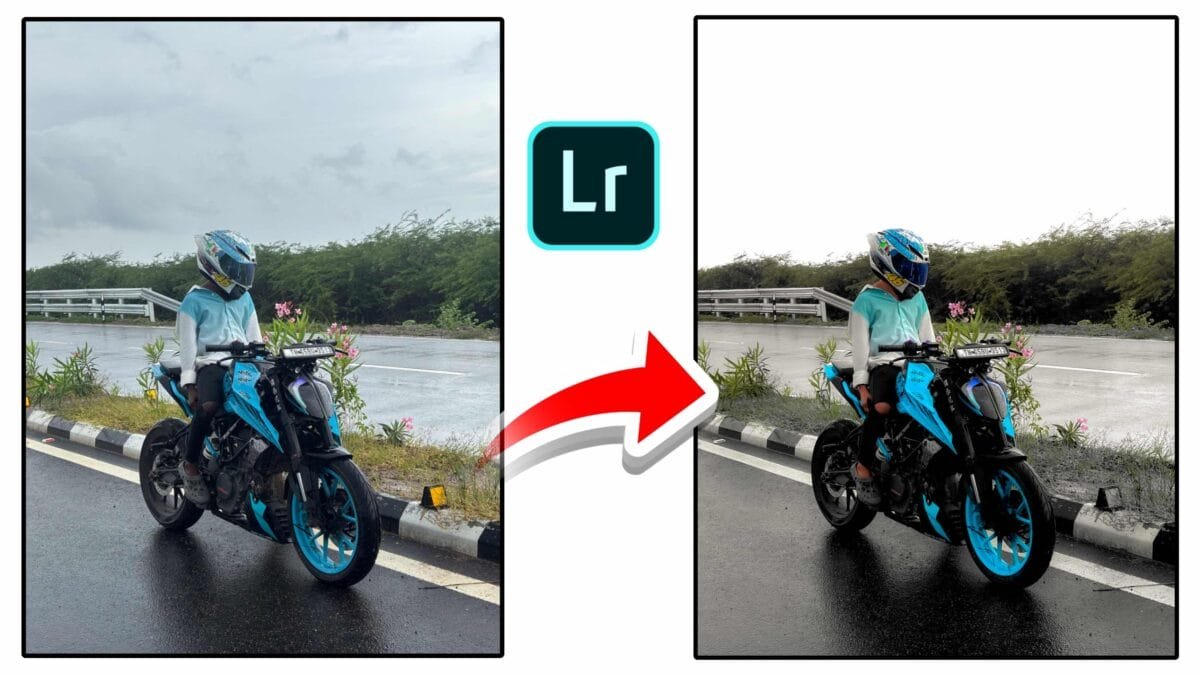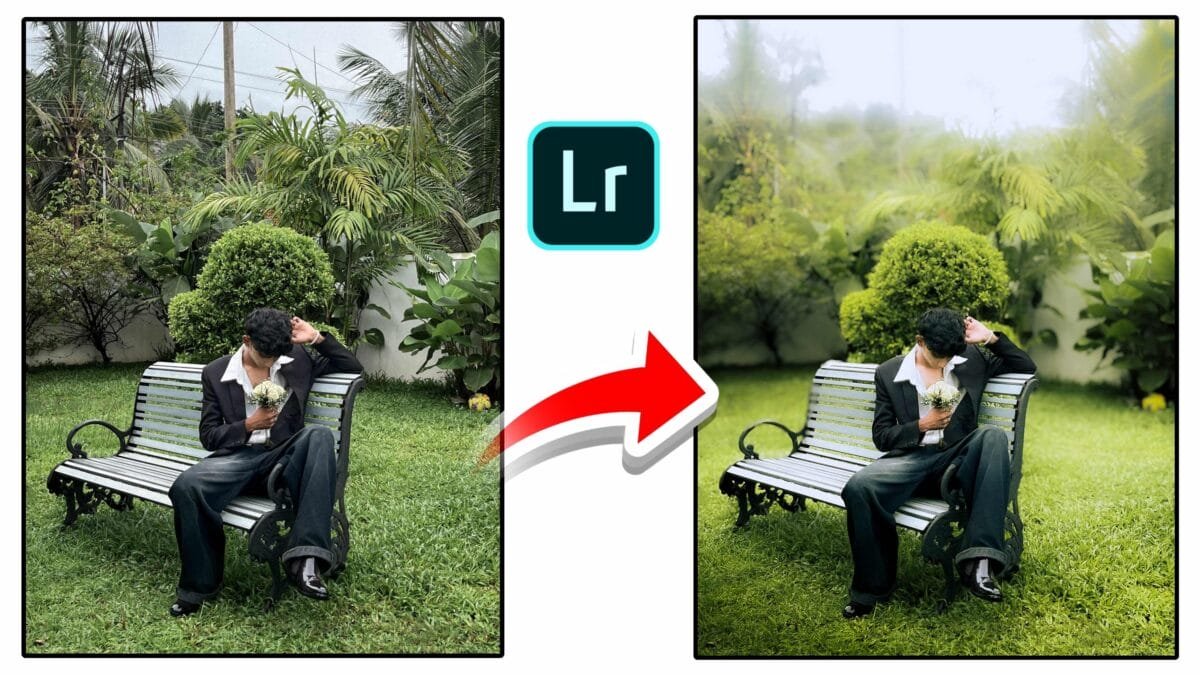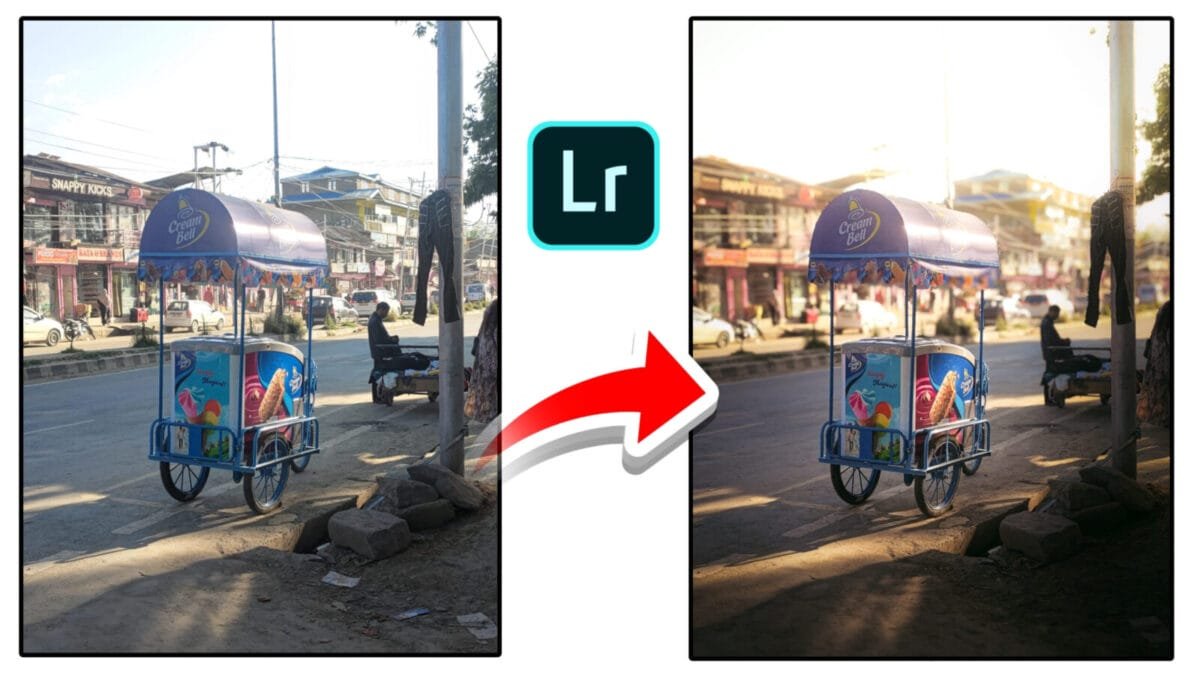
Photo Editing
Distraction removal is one of the most important techniques in modern photo editing. Unwanted objects, background clutter, random people, wires, or small spots can easily pull attention away from the main subject. With the help of AI-powered tools, distraction removal has become faster, smarter, and more natural-looking than ever before.
What Is Distraction Removal?
Distraction removal is the process of identifying and eliminating unwanted elements from a photo without damaging the overall composition or realism. These distractions may include dust spots, blemishes, trash, electrical wires, reflections, background people, or uneven textures.
Why Distraction Removal Matters
- Improves focus: Keeps viewer attention on the main subject.
- Professional appearance: Clean images look polished and intentional.
- Better storytelling: Removes elements that break visual flow.
- Time-saving: AI tools reduce manual retouching work.
Types of Distractions Commonly Removed
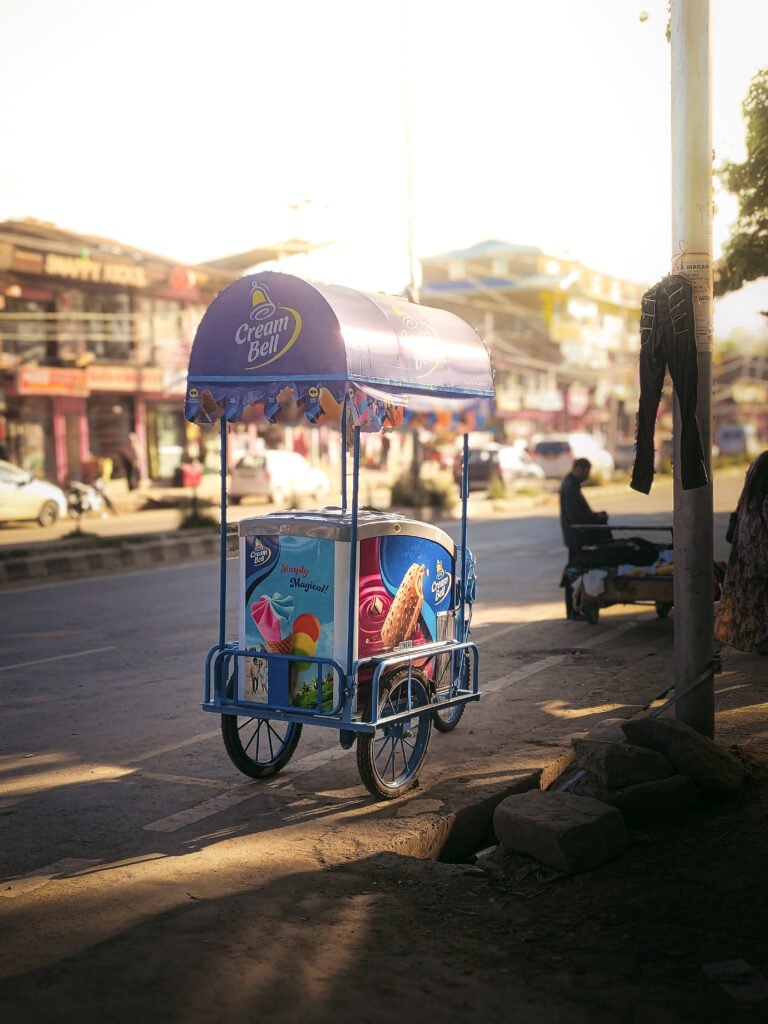
1. Small Imperfections
Dust spots, sensor marks, acne, skin blemishes, and tiny objects are easy to remove using healing or AI spot removal tools.
2. Background Objects
Trash, signboards, cables, poles, or random objects in the background can be removed to create a clean and minimal look.
3. People & Moving Elements
AI-powered removal tools can detect and erase unwanted people in crowds, tourist spots, or street photography while filling the area naturally.
4. Reflections & Shadows
Advanced tools can reduce reflections on glass or remove distracting shadows caused by harsh lighting conditions.
How AI-Based Distraction Removal Works
Modern editing software uses machine learning to analyze surrounding pixels and textures. When you paint or select a distraction, the AI predicts what should be behind it and fills the area realistically, blending colors, patterns, and lighting automatically.
Simple Workflow for Distraction Removal
- Identify distractions: Zoom in and scan the image carefully.
- Select the removal tool: Use AI remove, healing, or object removal tools.
- Paint or click: Mark the unwanted area loosely.
- Refine results: Repeat or clean edges if needed.
- Check realism: Zoom to 100% and verify texture consistency.
Pro tip: Remove distractions before heavy color grading or retouching to avoid inconsistencies in texture and lighting.
Best Use Cases
| Photography Type | Distraction Removal Benefit |
|---|---|
| Portrait | Clean backgrounds and natural skin retouching |
| Landscape | Remove wires, trash, or random people |
| Product | Minimal, professional-looking images |
| Real estate | Clear interiors and clutter-free rooms |
Common Mistakes to Avoid
- Over-removing natural elements that add realism
- Ignoring repeated textures or pattern breaks
- Applying removal after heavy sharpening
- Not checking edges and lighting consistency
Conclusion
Distraction removal is a powerful tool for creating visually clean and professional photos. With modern AI-based removal features, photographers can eliminate unwanted elements quickly while maintaining realism. When used carefully and subtly, distraction removal enhances composition, storytelling, and overall image quality.
Want this article customized specifically for Lightroom, Photoshop, or mobile editing apps with step-by-step screenshots? I can prepare that too.