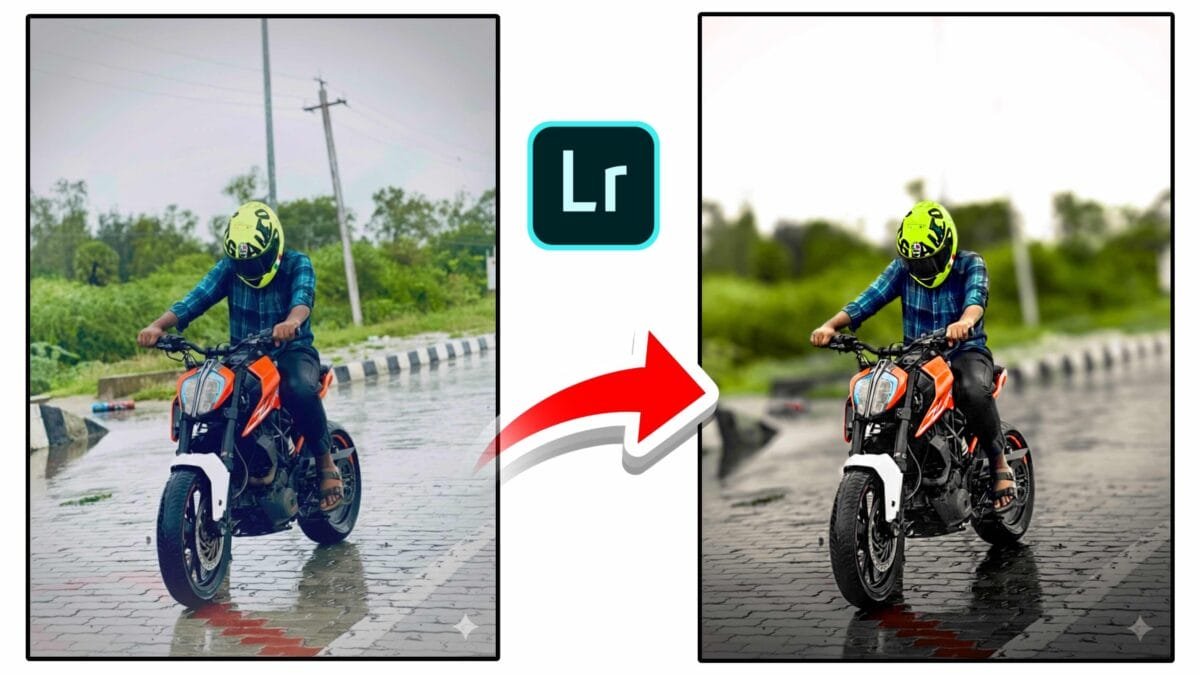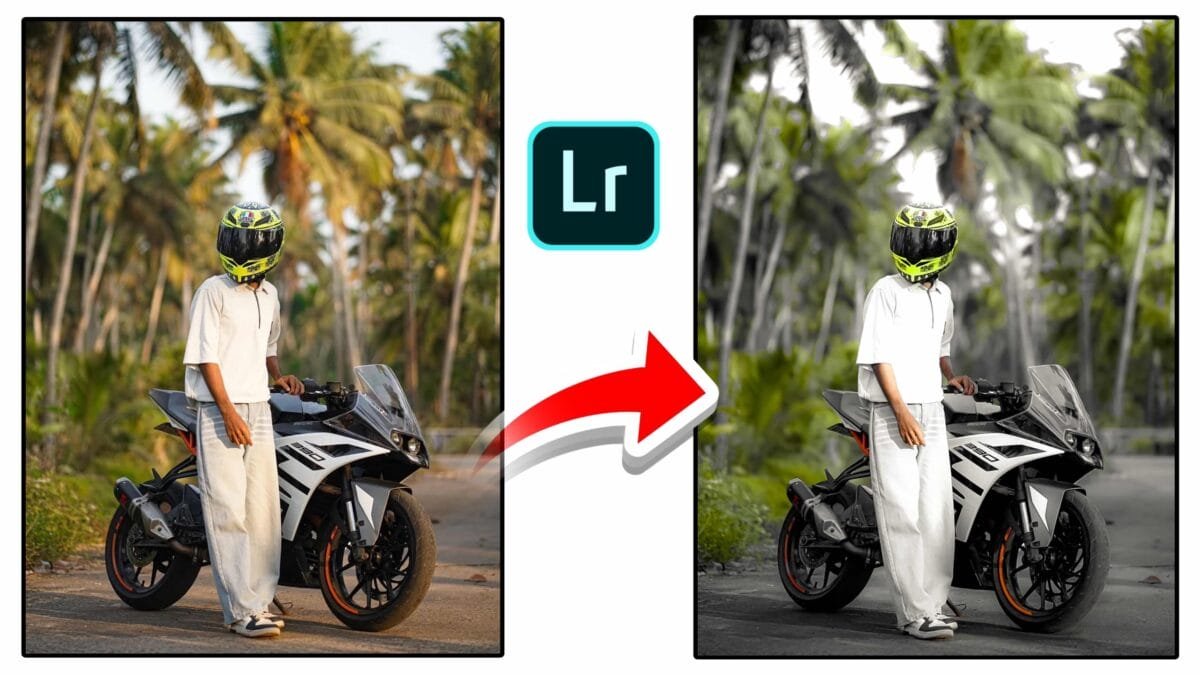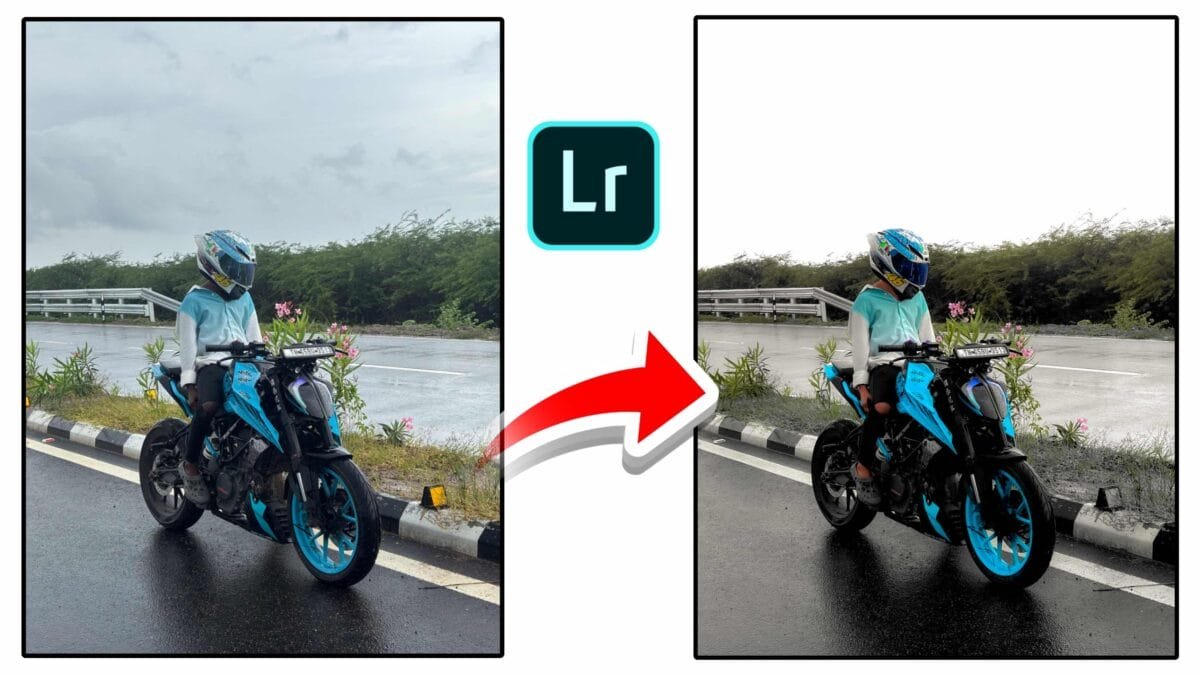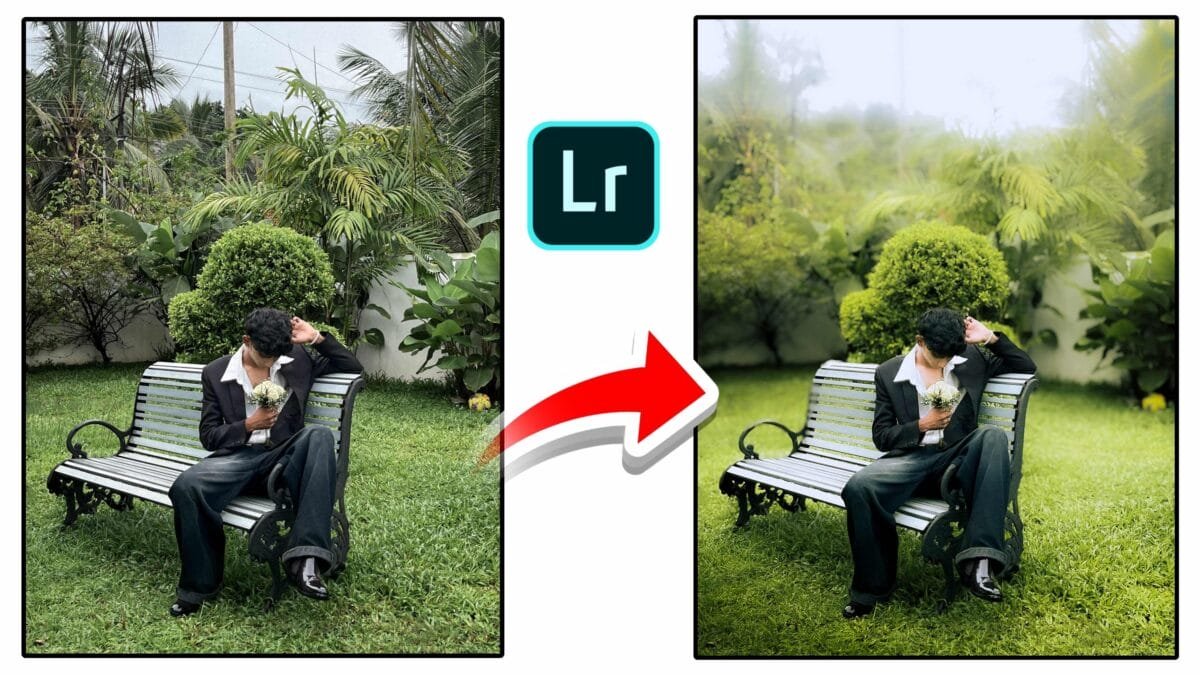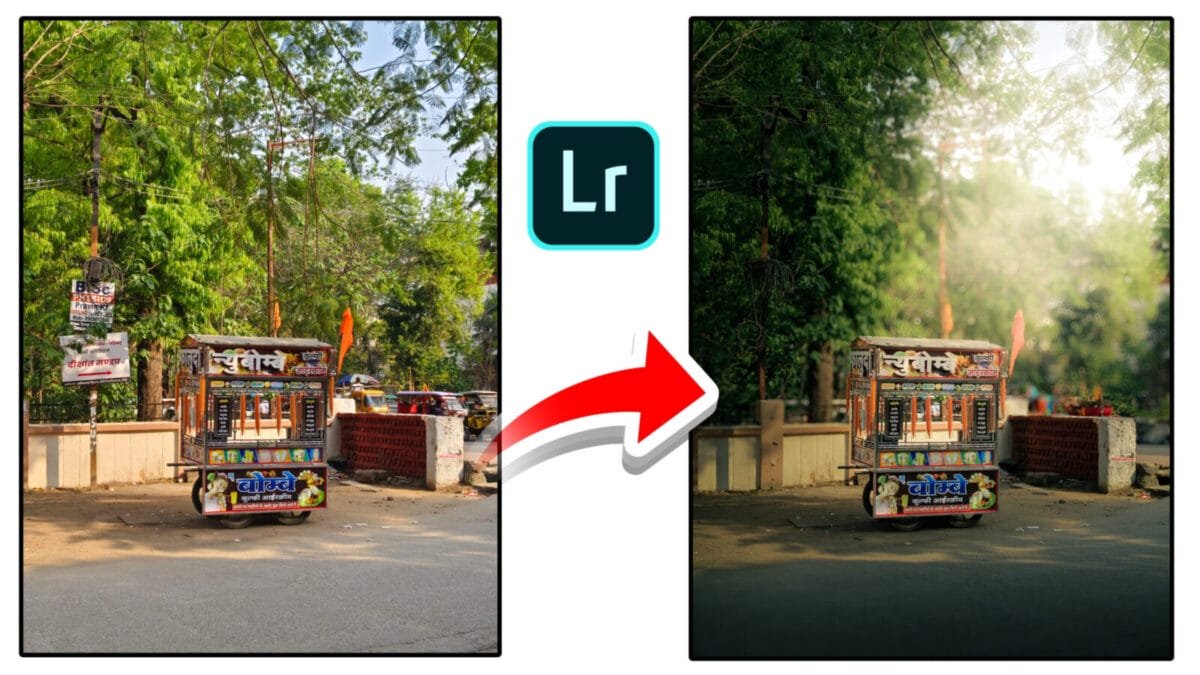
Lightroom Desktop
The latest Adobe Lightroom Desktop update focuses on faster workflows, smarter AI tools, and better file management for photographers and content creators. From integrated denoise and super-resolution to improved distraction removal and dual-monitor support, this update makes desktop editing more powerful and efficient. Below is a detailed look at the most important changes and why they matter.
1. Built-In AI Tools: Denoise, Raw Details & Super Resolution
A big usability improvement is the integration of AI enhancements directly into the main Edit panel. Tools such as Denoise, Raw Details, and Super Resolution are available without extra processing steps, letting you improve clarity, recover fine detail, and reduce noise as part of your normal edit flow.
Benefit: Faster, fewer exports and reimports — especially helpful for high-ISO wildlife, astrophotography, and older RAW files.
2. Smarter Distraction Removal (Generative Removal)
The Distraction Removal tool has been upgraded with AI-powered algorithms that remove people, poles, reflections, and other unwanted elements more cleanly. Powered by Adobe’s generative tech, the tool blends textures and tones to produce natural results where manual cloning used to be necessary.
3. Adaptive Profiles for Faster Color & Tone
Adaptive Profiles give you smart starting points for different image types — portraits, landscapes, HDR shots, and low-light scenes. These profiles analyze image content and apply tone, contrast, and color adjustments that save time and produce consistent results across a shoot.

4. PNG Export Support
Lightroom Desktop now supports native PNG export, removing the need to convert exported files externally. PNG is useful for web graphics, transparent backgrounds, and design workflows where lossless quality is required.
5. Camera & Lens Compatibility Improvements
Recent updates include support for the latest camera and lens profiles, improving RAW rendering and automatic optical corrections (distortion, chromatic aberration, vignetting). New camera support ensures colors and optics are rendered accurately out of camera.
6. Smart Albums for Better Organization
Smart Albums let you automatically group photos by criteria such as camera model, lens, rating, file type, date, or keywords. This automation is a huge time-saver for photographers managing large catalogs or client deliveries.
7. Dual-Monitor & Compare View
Desktop now supports a secondary window, making dual-monitor workflows practical: keep the grid or library on one screen while you edit a single image on the other. The Compare View also makes it easy to evaluate two photos side-by-side — ideal for selecting the best shot from a series.
8. Cloud and Local Storage Controls
New storage management tools let you move images between cloud and local drives, archive older projects, and selectively sync collections. This flexibility helps manage large RAW libraries without forcing constant cloud-plan upgrades.
9. Performance & Speed Enhancements
Adobe focused on responsiveness across the app: faster thumbnail and preview generation, more responsive masking and AI selections, smoother batch processing, and improved GPU acceleration. High-megapixel shooters (40MP–100MP) will notice reduced lag and quicker export times.
Pro tip: Always back up your catalog before applying major updates—especially if you use third-party plugins or rely on a complex workflow. Test new features on a copy of important projects.
Who Benefits Most?
- Professionals — faster tethering, accurate RAW conversions, and studio workflow improvements.
- Travel & Landscape Photographers — Adaptive Profiles and distraction removal speed up cleanups and color grading.
- Content Creators — PNG export, quick mobile-to-desktop sync, and faster presets make publishing easier.
- Anyone with Large Libraries — Smart Albums, duplicate detection, and storage controls simplify long-term management.
Conclusion
The Lightroom Desktop update brings meaningful, workflow-focused improvements that blend AI innovation with real-world usability. From integrated denoise and generative distraction removal to better storage controls and multi-monitor support, the update helps photographers spend less time on technical chores and more time being creative.
Want this article converted to a ready-to-publish HTML file with images and social tags (Open Graph/Twitter Card)? I can create that too.