🏍 Rainy Road Bike Photo Editing in Lightroom – Cinematic Teal Look
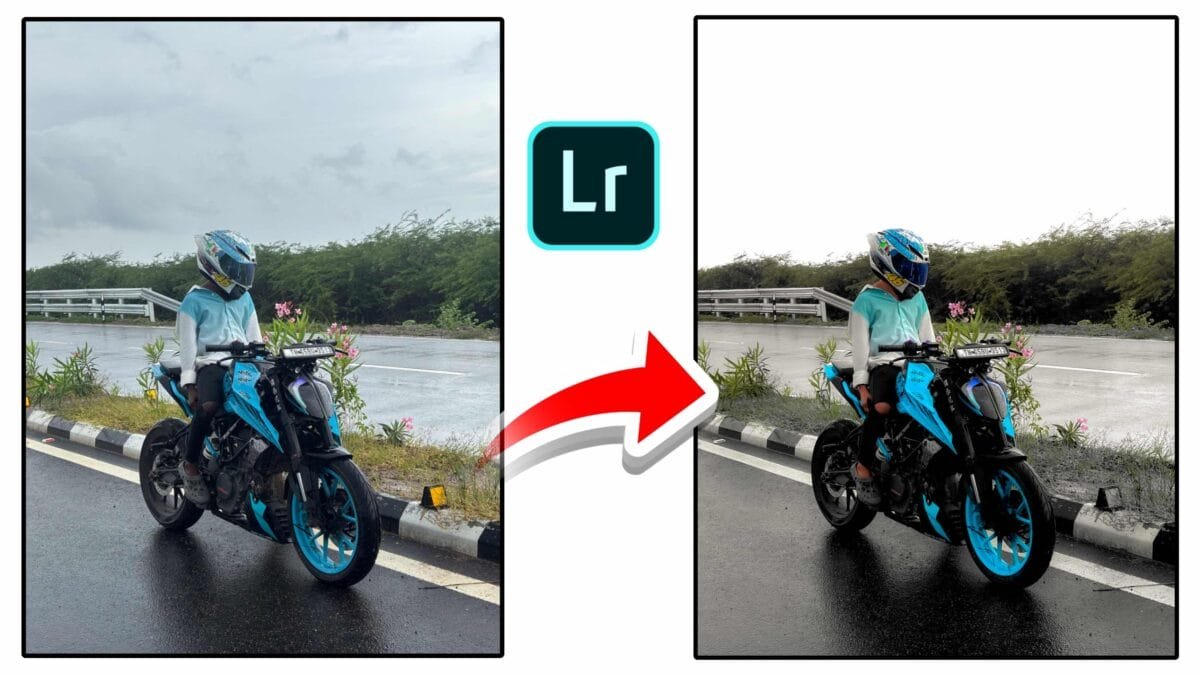
Rainy road photography me wet reflection aur dramatic sky naturally cinematic feel deta hai. Lightroom color grading se aap is image ko teal tone cinematic masterpiece bana sakte ho. Is guide me hum step-by-step professional editing settings explain karenge.
📸 Rainy Bike Editing Guide
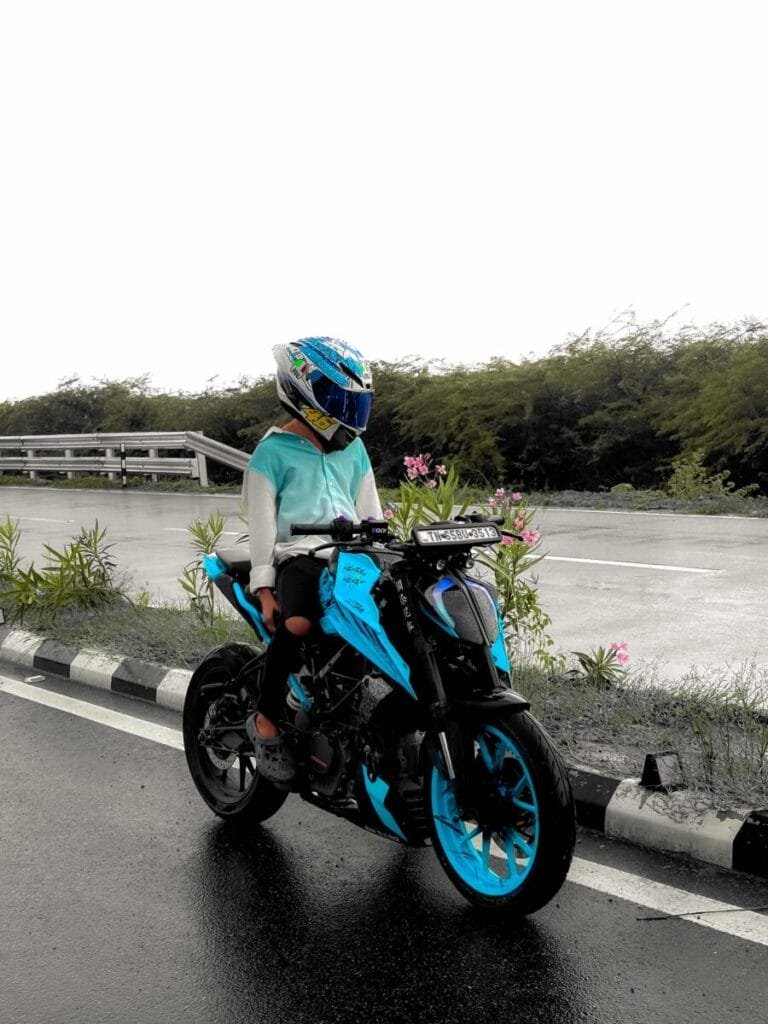
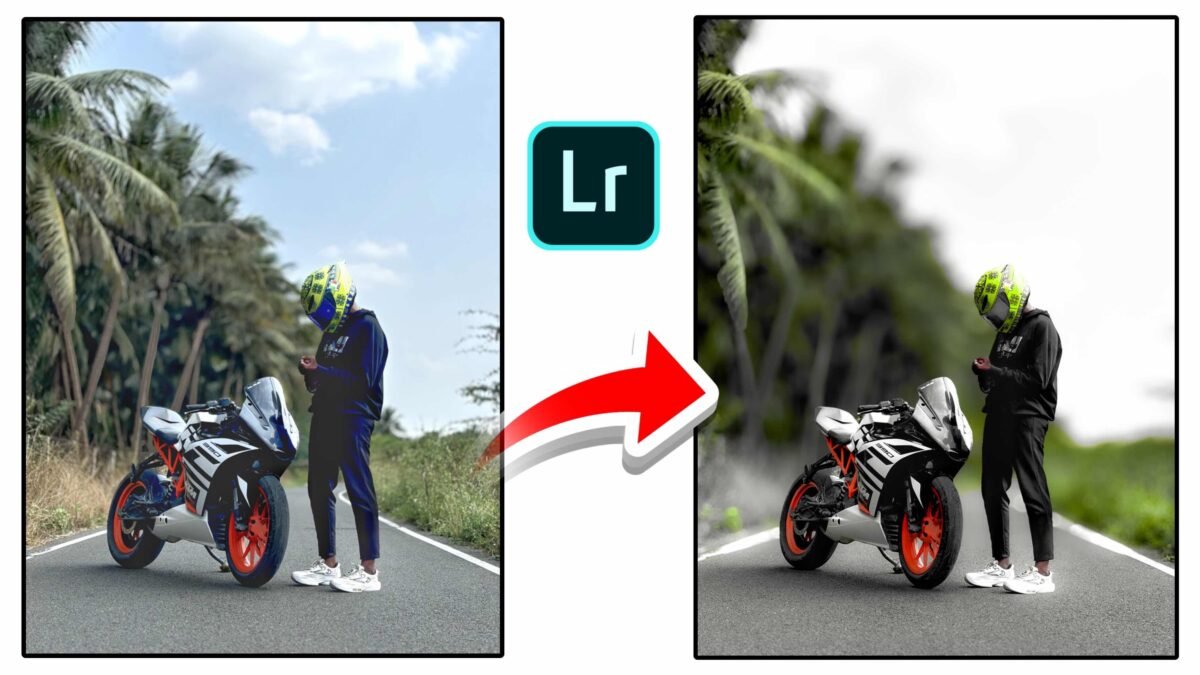
Wet road reflections ko enhance karna aur bike color ko highlight karna sabse important hota hai. Proper contrast, clarity aur HSL tuning se image dramatic aur premium lagti hai.
🎨 Lightroom Editing Settings
Basic Panel
- Exposure: +0.30
- Contrast: +35
- Highlights: -50
- Shadows: +30
- Whites: +20
- Blacks: -30
- Clarity: +20
- Dehaze: +15
Color Settings
- Temperature: -5 (Cool tone)
- Tint: +5
- Vibrance: +25
- Saturation: -5
HSL Panel
- Aqua Saturation: +30
- Blue Saturation: +25
- Blue Luminance: -10
- Green Saturation: -20
- Orange Luminance: +8
Masking Technique
- Bike Mask → Increase clarity & exposure
- Road Mask → Add contrast & dehaze
- Sky Mask → Reduce highlights
🚀 Why This Rainy Edit Looks Powerful?
- Wet road reflection dramatic effect deta hai
- Teal tone modern cinematic look create karta hai
- Bike photography me high engagement milta hai
- Instagram reels & thumbnails ke liye perfect
❓ Frequently Asked Questions
How to edit rainy bike photos in Lightroom?
Increase contrast and clarity, reduce highlights and adjust aqua/blue tones for cinematic effect.
How to enhance wet road reflection in Lightroom?
Use masking to increase contrast and dehaze on road surface while keeping highlights controlled.
© 2026 Ajiz Editing | Lightroom Bike Photography Tutorials