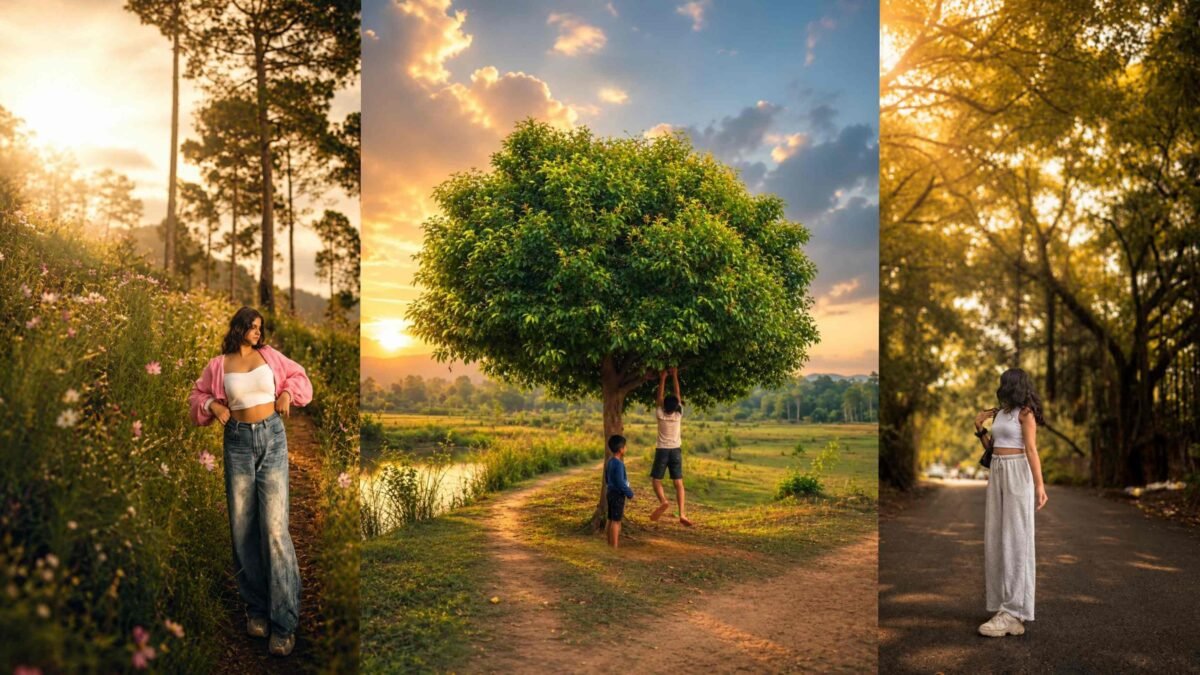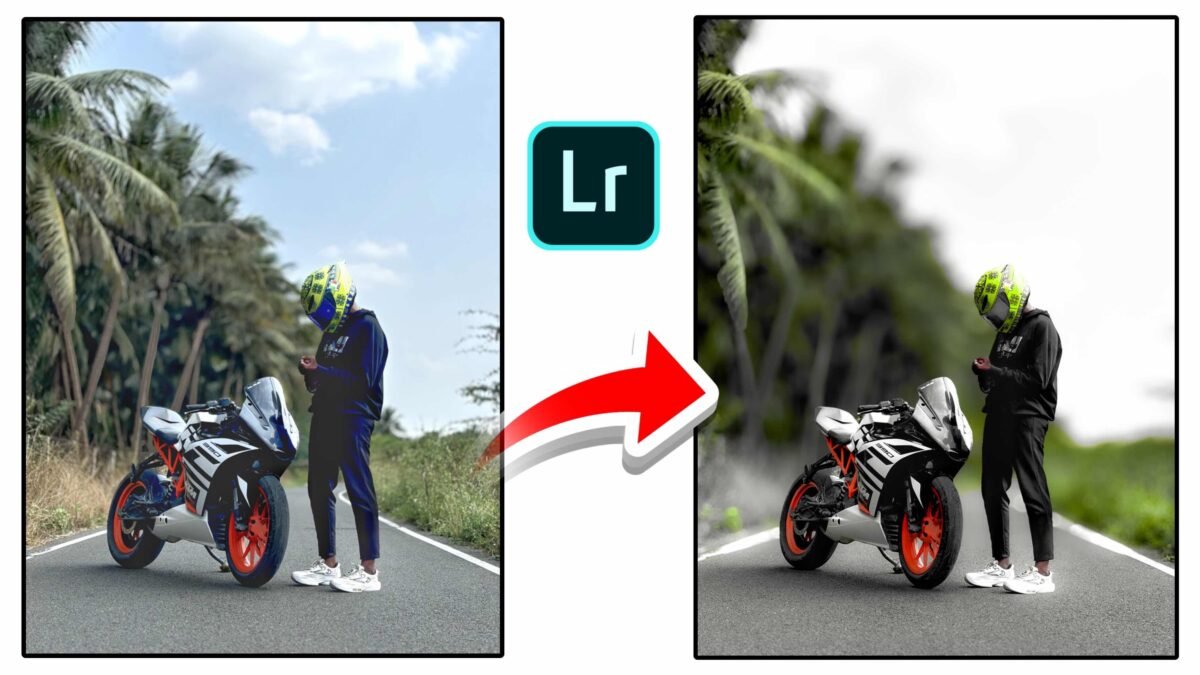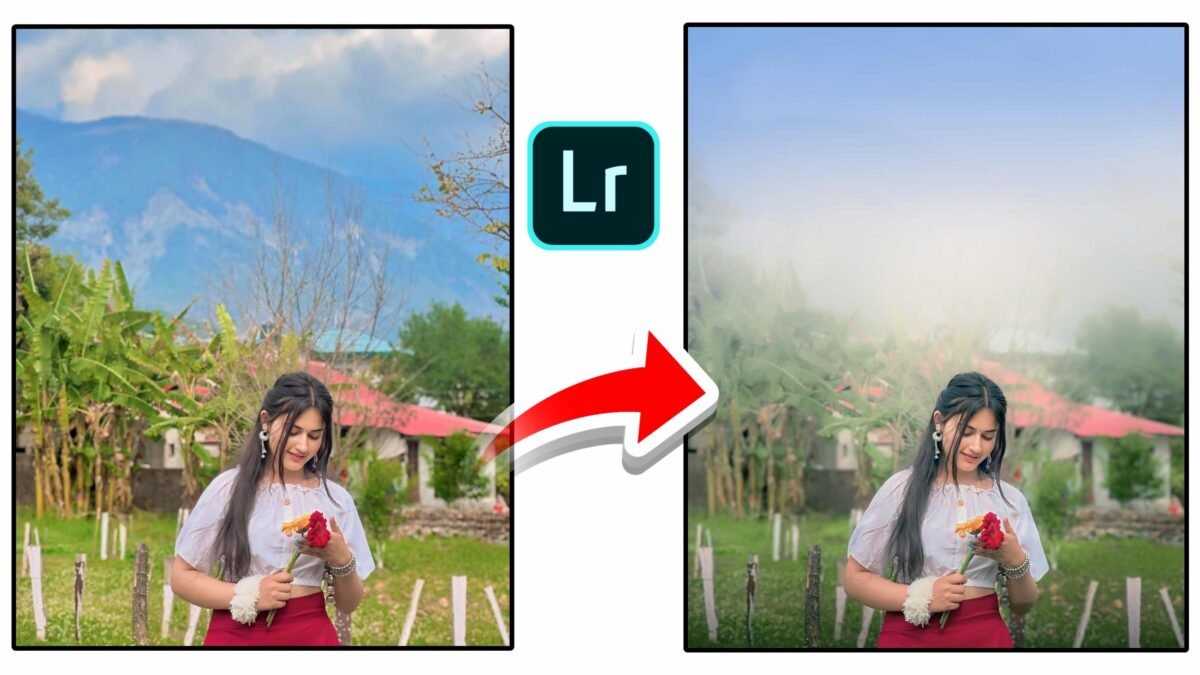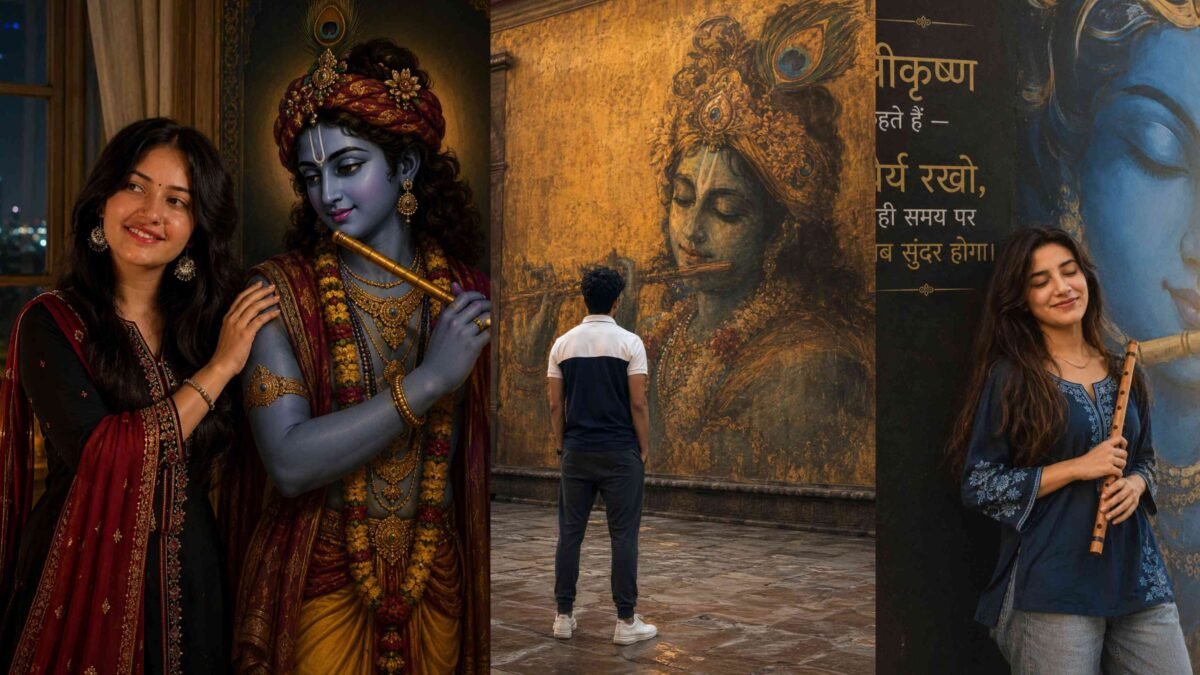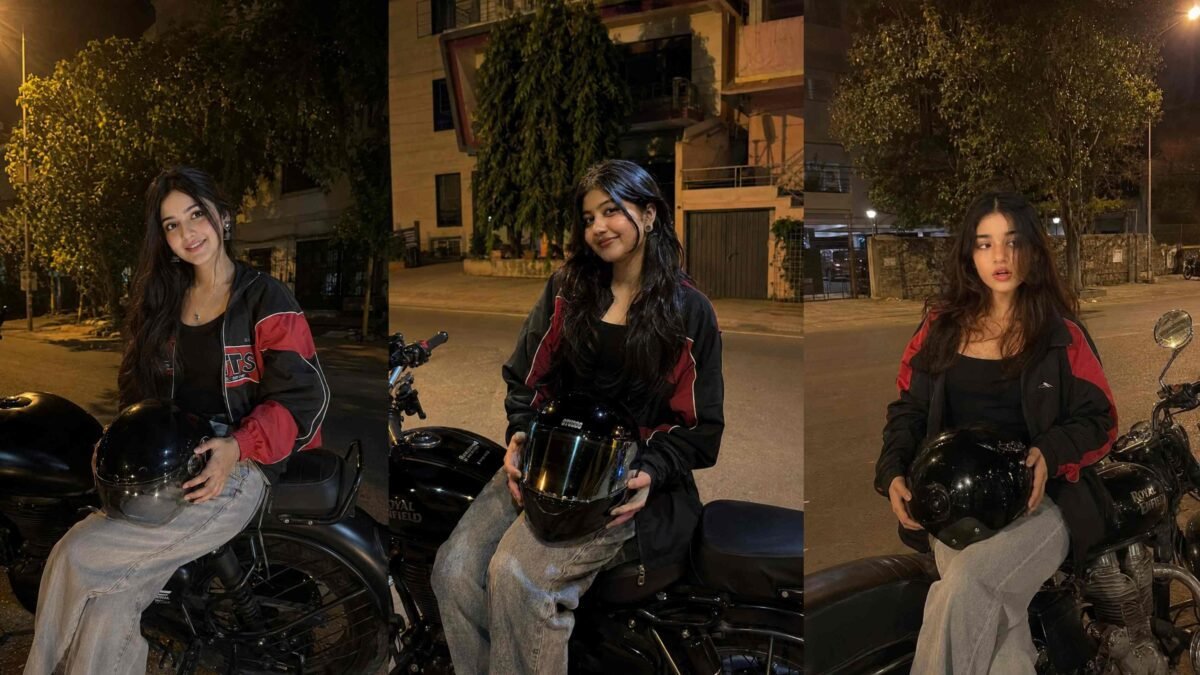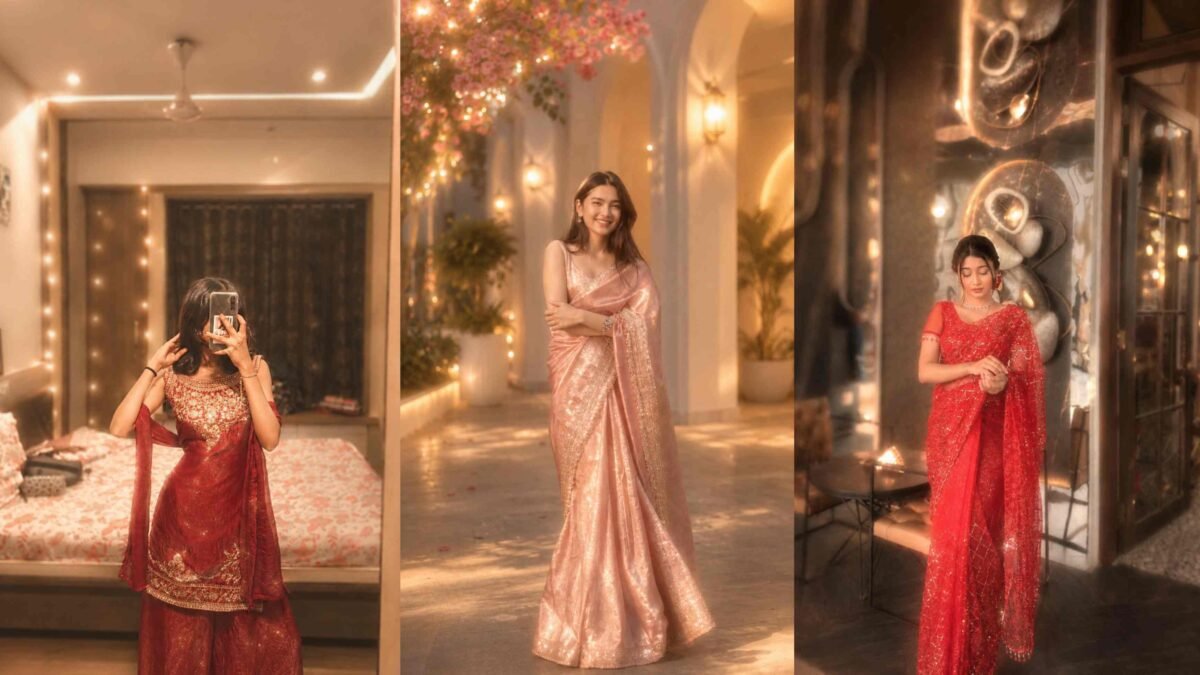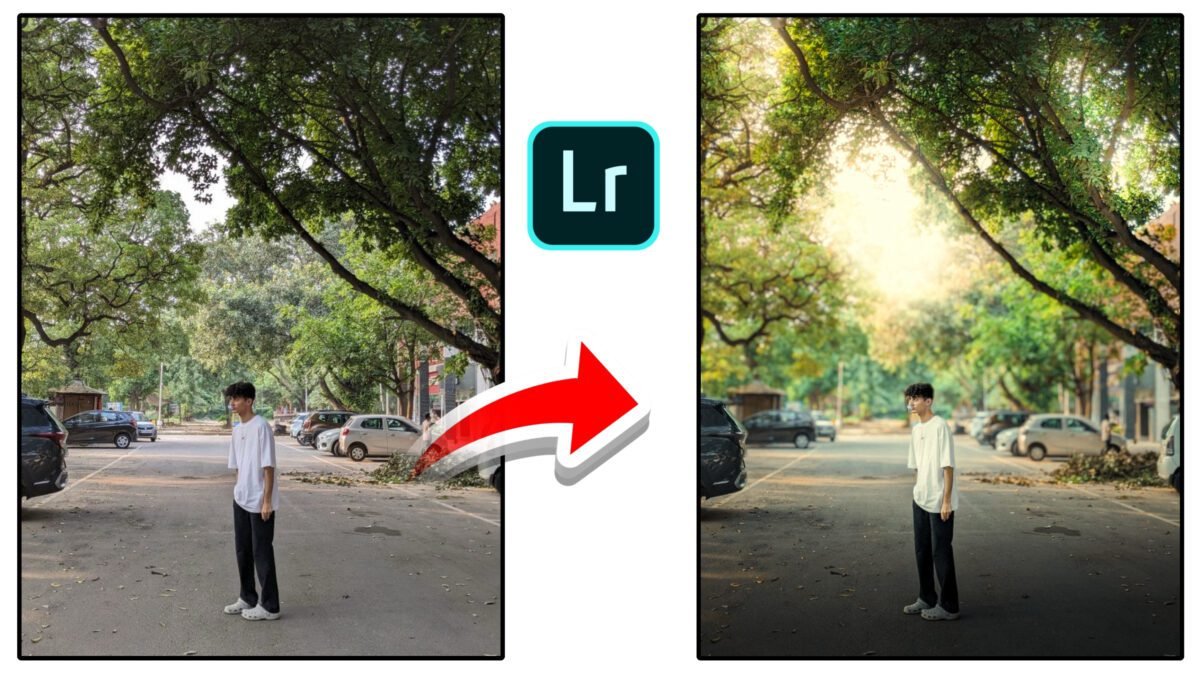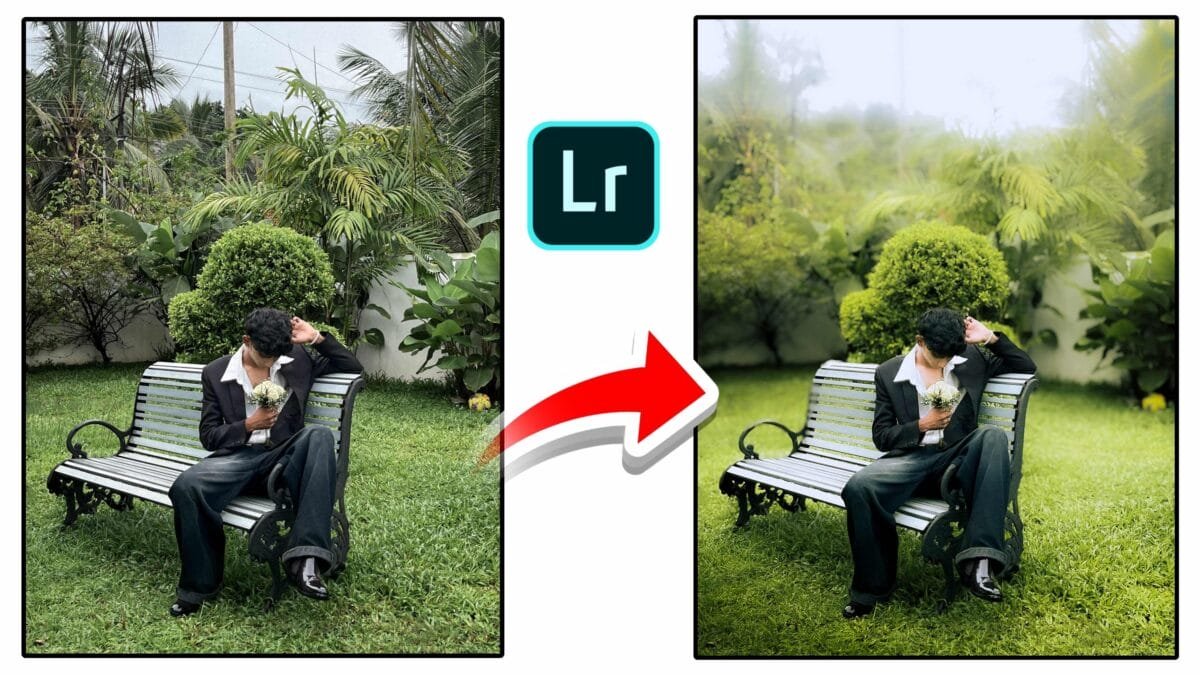
🌿 Cinematic Garden Portrait Photo Editing in Lightroom
Outdoor garden portraits Lightroom me sahi color grading ke saath soft cinematic green tone me convert kiye ja sakte hain. Is tutorial me hum step-by-step professional editing settings cover karenge jo Instagram aur portfolio dono ke liye perfect hain.
📸 Garden Portrait Editing Guide
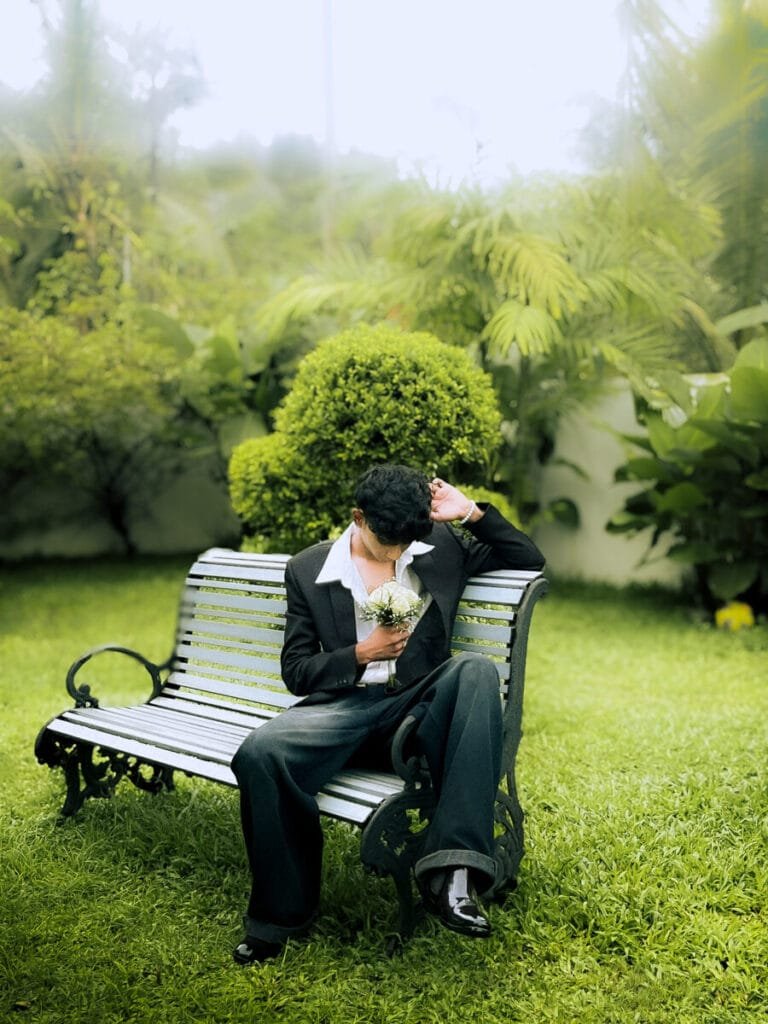
Is type ke portrait me natural greenery ko control karna aur subject ko highlight karna sabse important hota hai. Proper exposure, HSL adjustment aur masking technique image ko premium cinematic look deti hai.
🎨 Lightroom Editing Settings
Basic Panel
- Exposure: +0.35
- Contrast: +20
- Highlights: -55
- Shadows: +40
- Whites: +15
- Blacks: -20
Color Adjustment
- Temperature: +10 (Slight warm)
- Tint: +6
- Vibrance: +18
- Saturation: -5
HSL Panel
- Green Hue: -10
- Green Saturation: +15
- Green Luminance: +12
- Yellow Saturation: +10
- Orange Luminance: +8 (Skin tone improve)
Masking Technique
- Subject Mask → Increase exposure slightly
- Background Mask → Reduce clarity for depth
- Radial Mask (top light area) → Soft glow effect
🚀 Why This Edit Looks Premium?
- Soft green tone aesthetic feel deta hai
- Natural skin tone maintained rehta hai
- Background depth professional lagti hai
- Instagram reels & portrait posts ke liye perfect
❓ Frequently Asked Questions
How to edit garden portraits in Lightroom?
Adjust exposure, control green tones in HSL panel and apply masking to highlight subject.
How to get soft cinematic green look?
Reduce highlights, slightly warm temperature and fine tune green hue and luminance.
© 2026 Ajiz Editing | Lightroom Portrait Tutorials