Photo & Video Editing
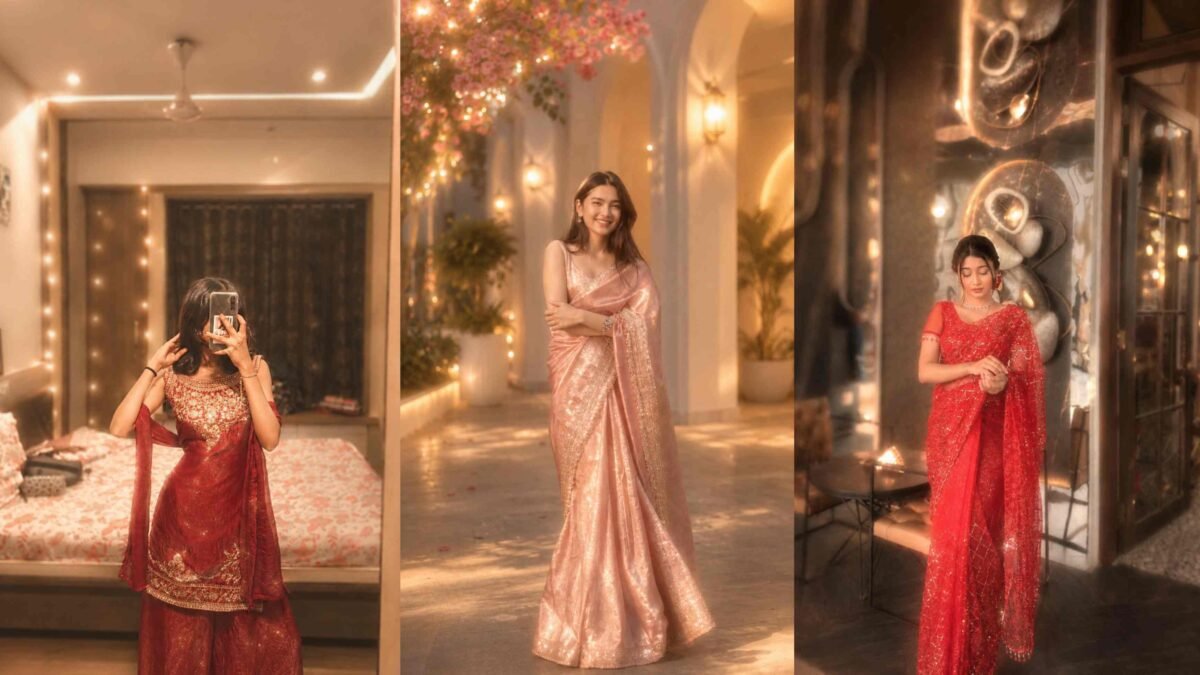
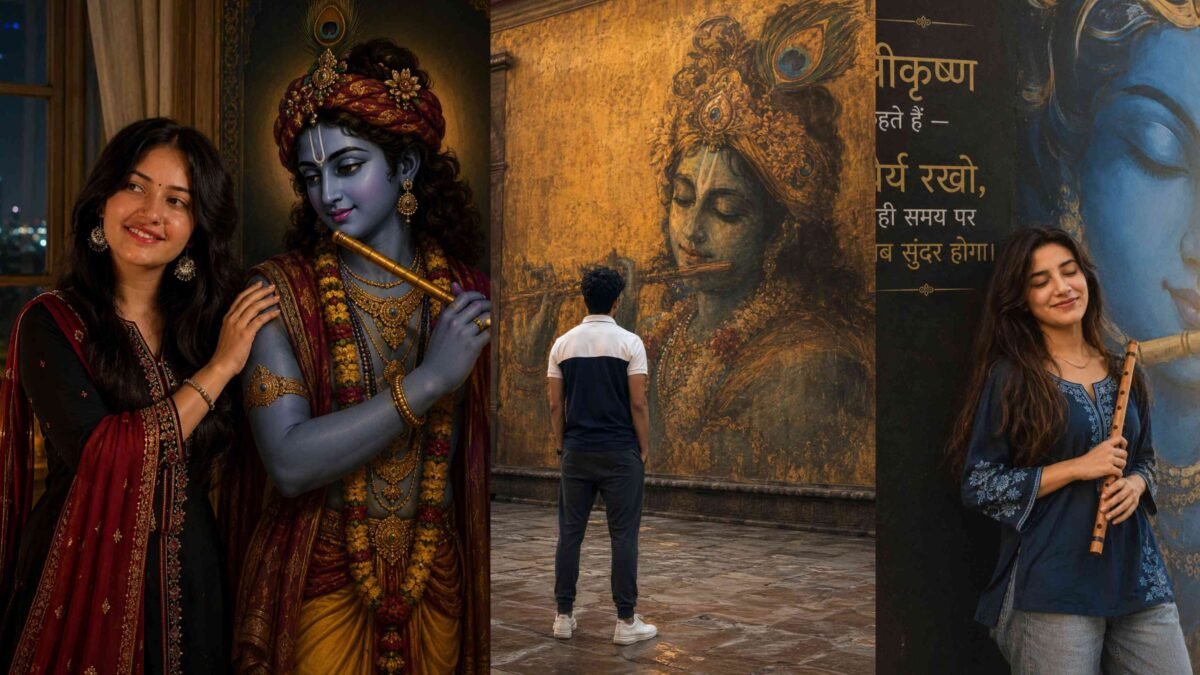
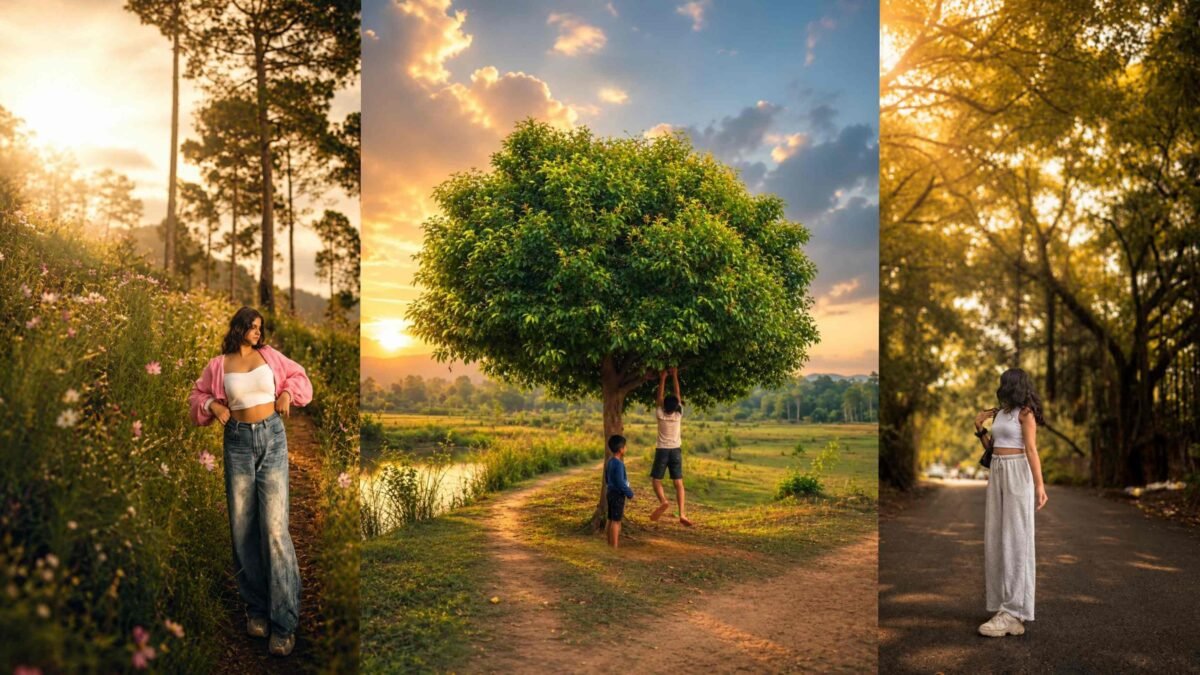
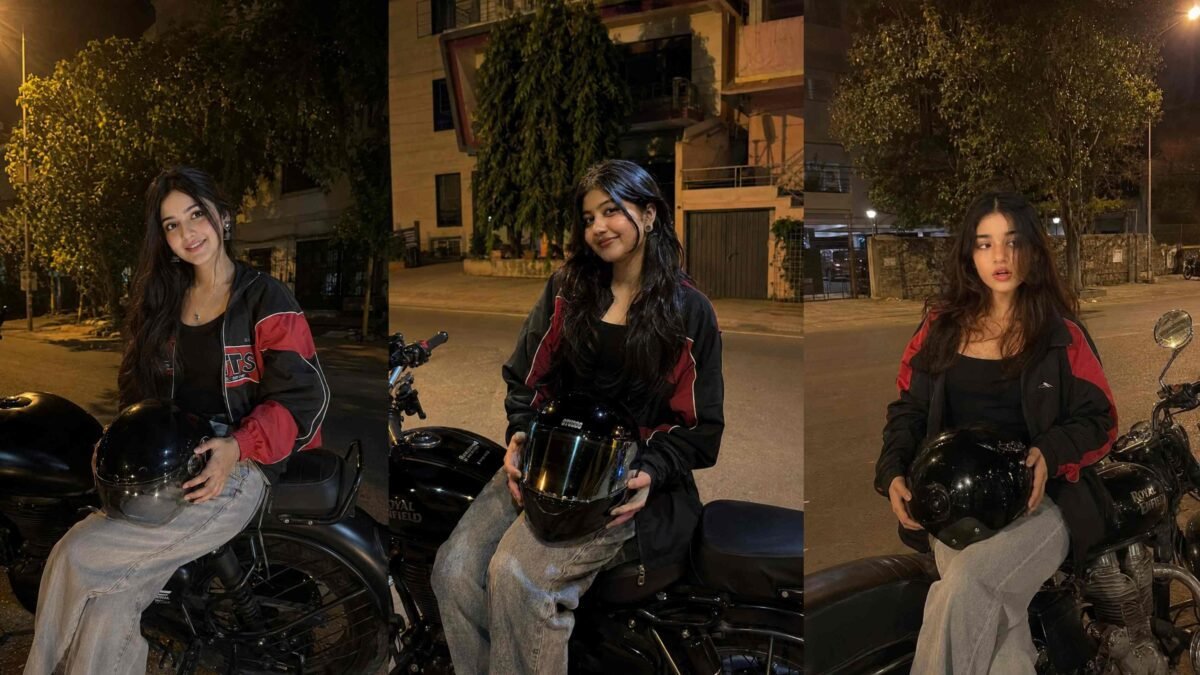
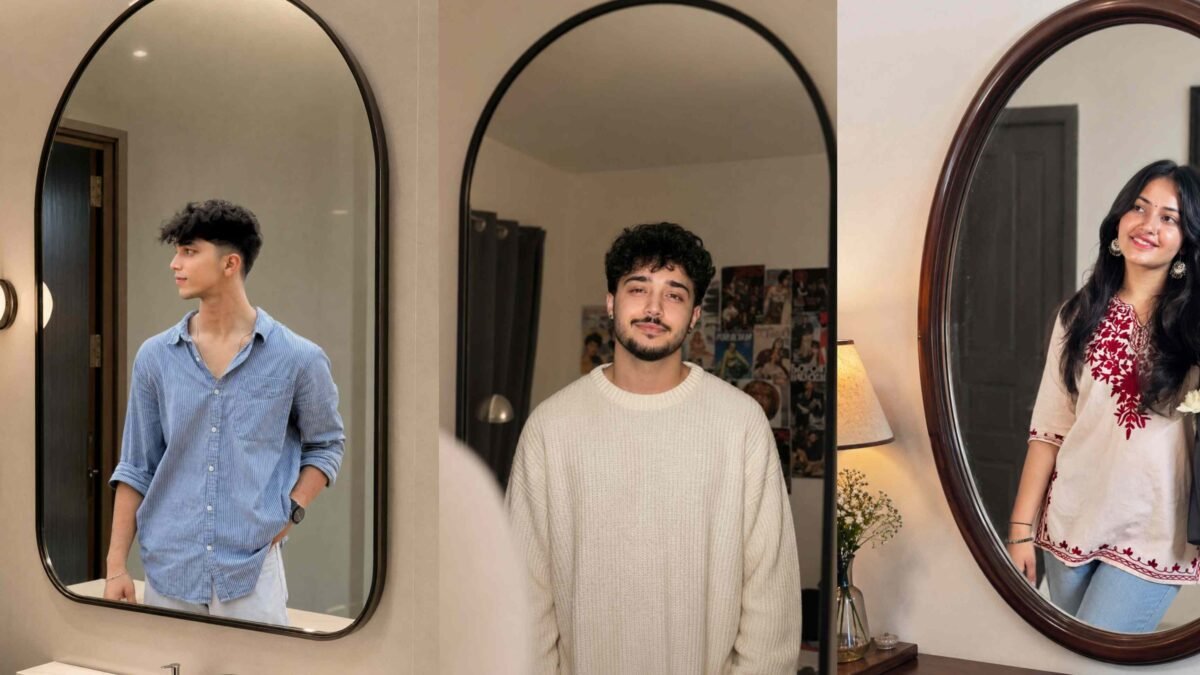
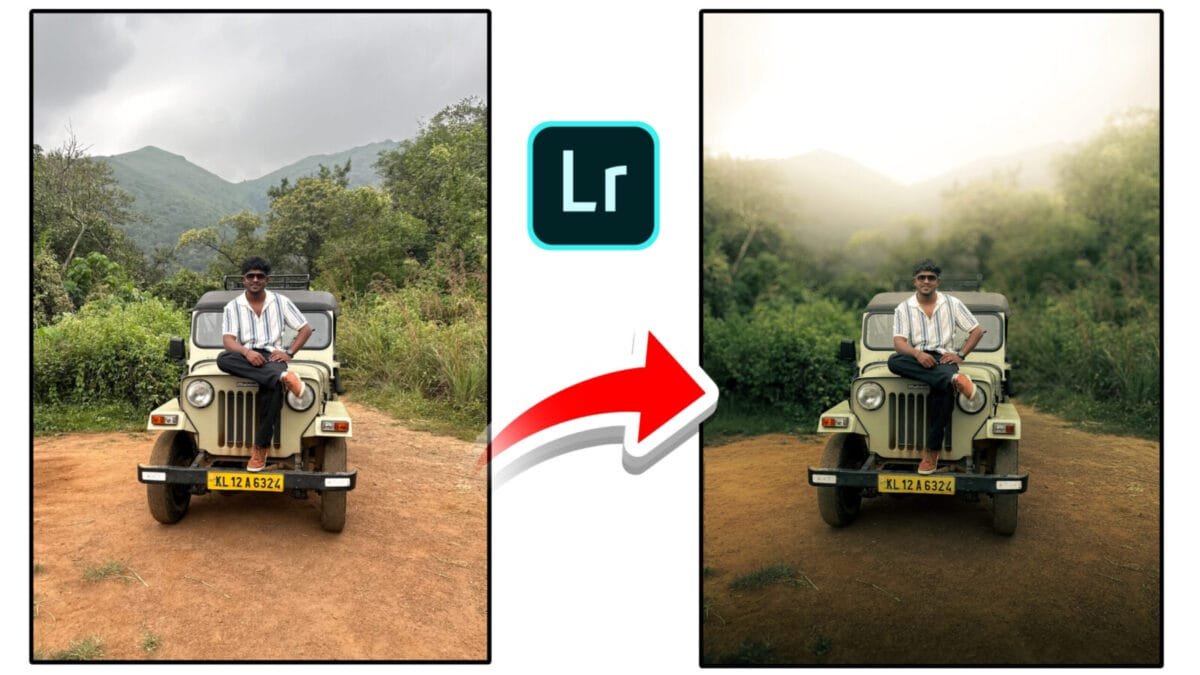
A natural cinematic look blends realism with subtle film-inspired styling. Unlike heavy filters or extreme color grading, this style focuses on balanced contrast, soft highlights, pleasing skin tones, and controlled colors. It is widely used in portraits, lifestyle photography, travel shots, short films, and social media content where authenticity matters.
What Is a Natural Cinematic Look?
The natural cinematic style is inspired by motion picture color science but avoids exaggerated effects. The goal is to enhance mood and depth while keeping colors believable. Skin tones remain accurate, shadows retain detail, and highlights roll off smoothly instead of clipping harshly.
Why Choose a Natural Cinematic Style?
- Timeless appeal: Doesn’t rely on trendy filters.
- Professional feel: Looks polished and film-like.
- Skin-friendly: Maintains natural skin tones.
- Story-driven: Enhances emotion without distraction.
Core Elements of a Natural Cinematic Look

1. Balanced Contrast
Cinematic images avoid harsh contrast. Use gentle tone curves to slightly lift shadows and control highlights. This creates depth without crushing details.
2. Soft Highlight Roll-Off
Film-inspired looks handle highlights gracefully. Lower highlights and whites slightly to prevent clipping and achieve a smooth, soft glow in bright areas.
3. Controlled Color Saturation
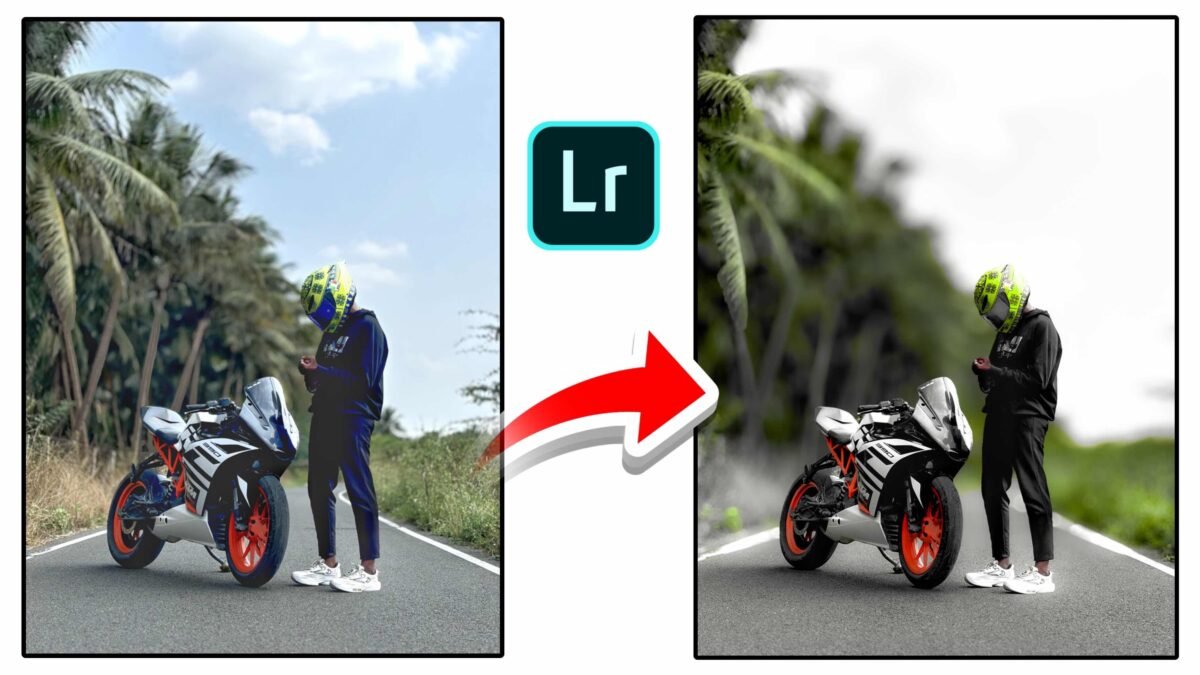
Reduce overall saturation a little, then selectively boost key colors. This keeps the image calm and avoids a digital, over-processed appearance.
4. Cinematic Color Harmony
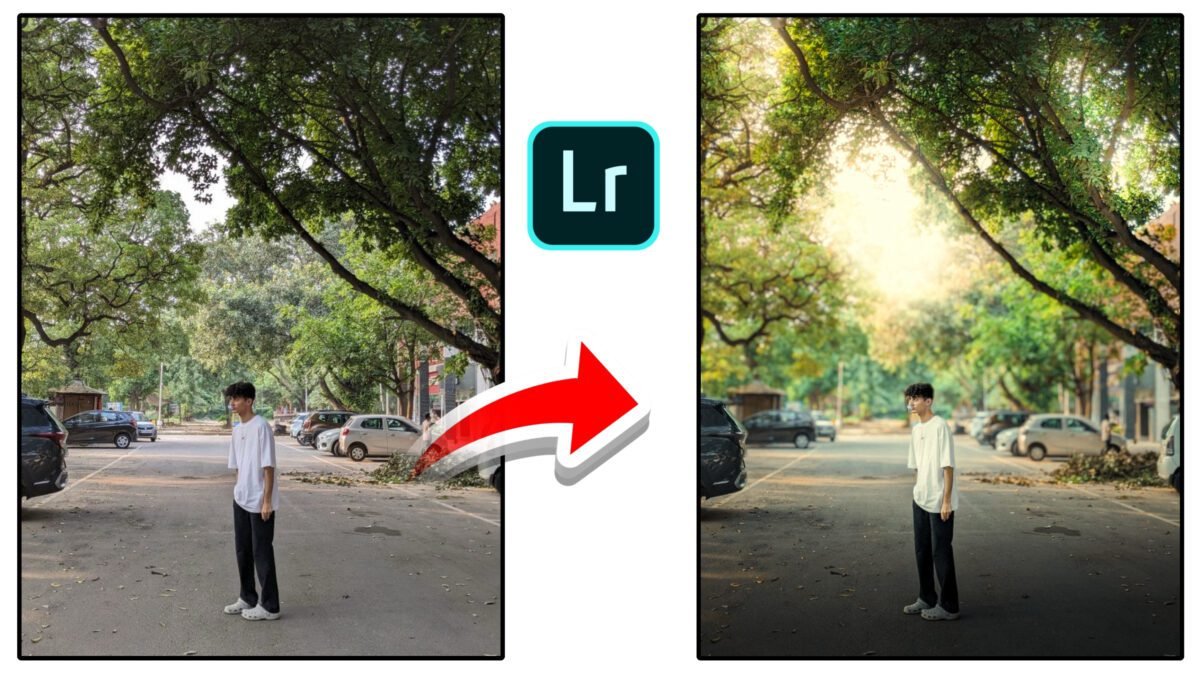
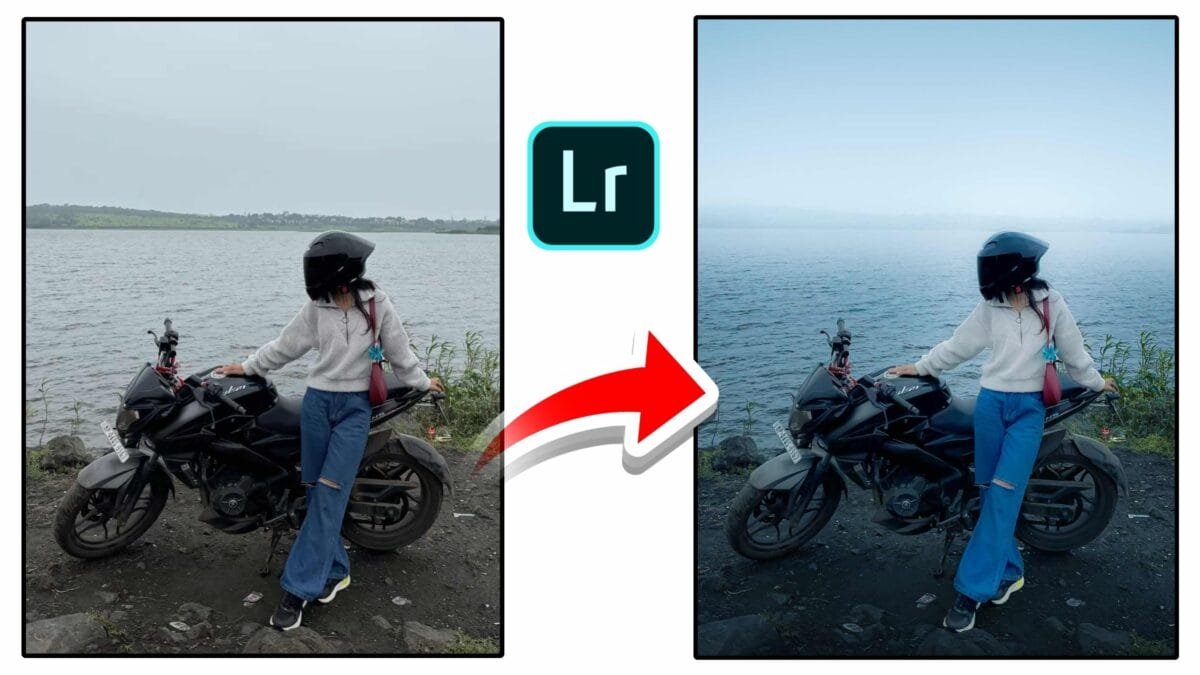
Subtle color contrast between shadows and highlights adds mood. For example, cool shadows paired with warm highlights create cinematic depth while remaining natural.
5. Natural Skin Tones
Skin tones should remain neutral and realistic. Protect them using selective masks or HSL adjustments, especially when applying strong background color grades.
6. Subtle Texture & Grain
Light film grain adds texture and breaks digital smoothness. Use it sparingly so it enhances the image without becoming distracting.
Step-by-Step Workflow
- Correct exposure & white balance: Start with a clean, neutral base.
- Adjust tone curve: Add a mild S-curve with lifted shadows.
- Fine-tune colors: Reduce global saturation slightly.
- Apply color grading: Add gentle warm highlights and cool shadows.
- Protect skin tones: Use masks or HSL to keep skin natural.
- Add grain & vignette: Finish with subtle texture and edge focus.
Pro tip: If the edit feels too strong, reduce overall intensity by 20–30%. Natural cinematic looks are built on restraint.
Common Mistakes to Avoid
- Overusing teal & orange color grading
- Crushing blacks or clipping highlights
- Excessive clarity or sharpening
- Ignoring skin tone accuracy
Where Natural Cinematic Works Best
| Content Type | Why It Works |
|---|---|
| Portraits | Flattering skin tones and soft contrast |
| Travel | Realistic yet atmospheric scenes |
| Street photography | Storytelling without heavy effects |
| Short films & reels | Film-inspired mood with authenticity |
Conclusion
The natural cinematic look is about balance, subtlety, and emotion. By controlling contrast, color, and texture with a light touch, you can achieve images that feel cinematic yet real. Mastering this style takes practice, but the results are timeless, professional, and visually engaging.
Want this article adapted specifically for Lightroom presets, mobile editing, or cinematic reels? I can customize it for you.