A Complete Guide for Creators & Photographers
Professional photo editing software powers modern visual storytelling. From RAW processing and layer-based composites to AI-assisted retouching and advanced color grading, the right software gives creators control, speed, and image quality. This guide covers what professional tools offer, top applications in 2025, and how to choose the best option for your workflow.
What Is Professional Photo Editing Software?
Professional photo editing software is built for high-precision image enhancement, retouching, color grading, compositing, and non-destructive workflows. Unlike basic mobile apps, professional tools support RAW files, layers, ICC color profiles, advanced masking, and automation to handle studio, commercial, editorial, and creative projects.
Key Features of Professional Photo Editing Tools
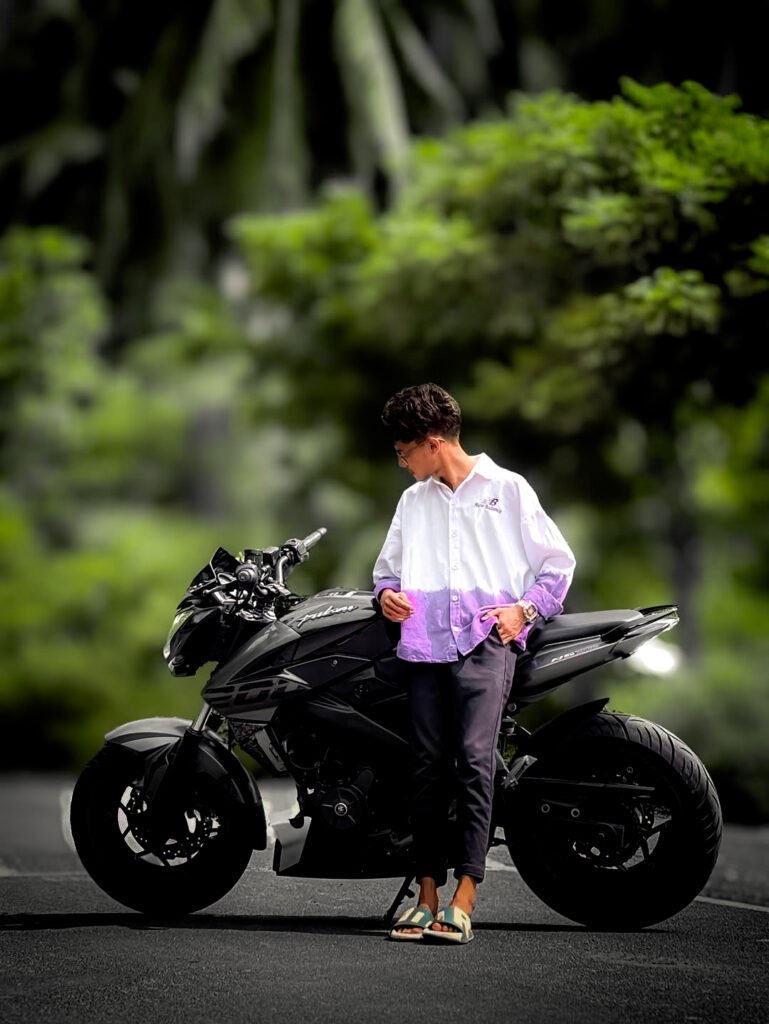
1. RAW Image Processing
Shooting in RAW captures maximum dynamic range and detail. Professional software offers accurate RAW conversion, highlight/shadow recovery, noise reduction, and fine sharpening so you preserve image quality from capture through export.
2. Advanced Color Grading
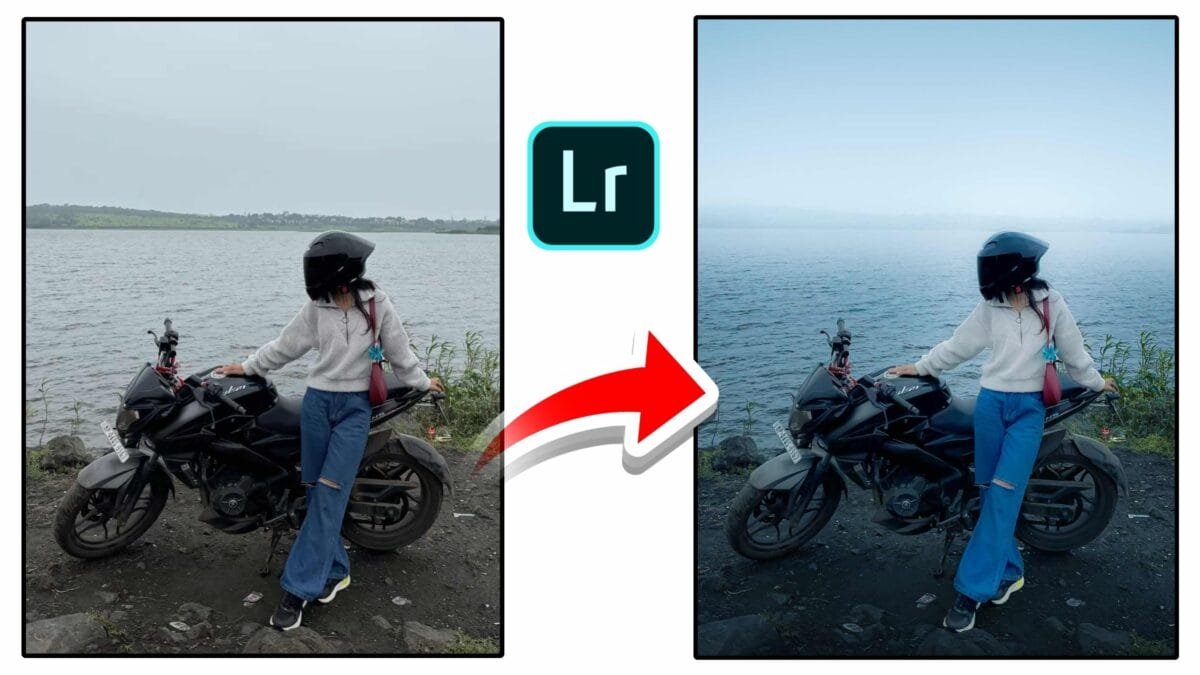
Professional color tools let you control hue, saturation, luminance, midtones, shadows, and highlights precisely. Color wheels, tone curves, targeted HSL adjustments, and LUT support are essential for cinematic, editorial, and commercial looks.
3. Layer-Based & Non-Destructive Editing
Layers and smart objects let you combine multiple images, apply targeted edits, and experiment without altering originals. Adjustment layers, masks, and blend modes provide flexible, reversible workflows.
4. AI-Powered Tools
Modern software uses AI for fast object selection, sky swaps, subject enhancement, background removal, and generative edits. These features speed repetitive tasks and open creative possibilities.
5. Professional Retouching
Tools like frequency separation, clone/patch, dodge & burn, and precise healing brushes are standard for fashion, beauty, and portrait retouching to achieve polished results.
Top Professional Photo Editing Software (2025)
Adobe Photoshop
The industry standard for creative compositing and pixel-level editing. Photoshop offers layer-based workflows, advanced masking, generative fill, and unmatched retouching and design tools—ideal for editors who need full creative freedom.
Adobe Lightroom
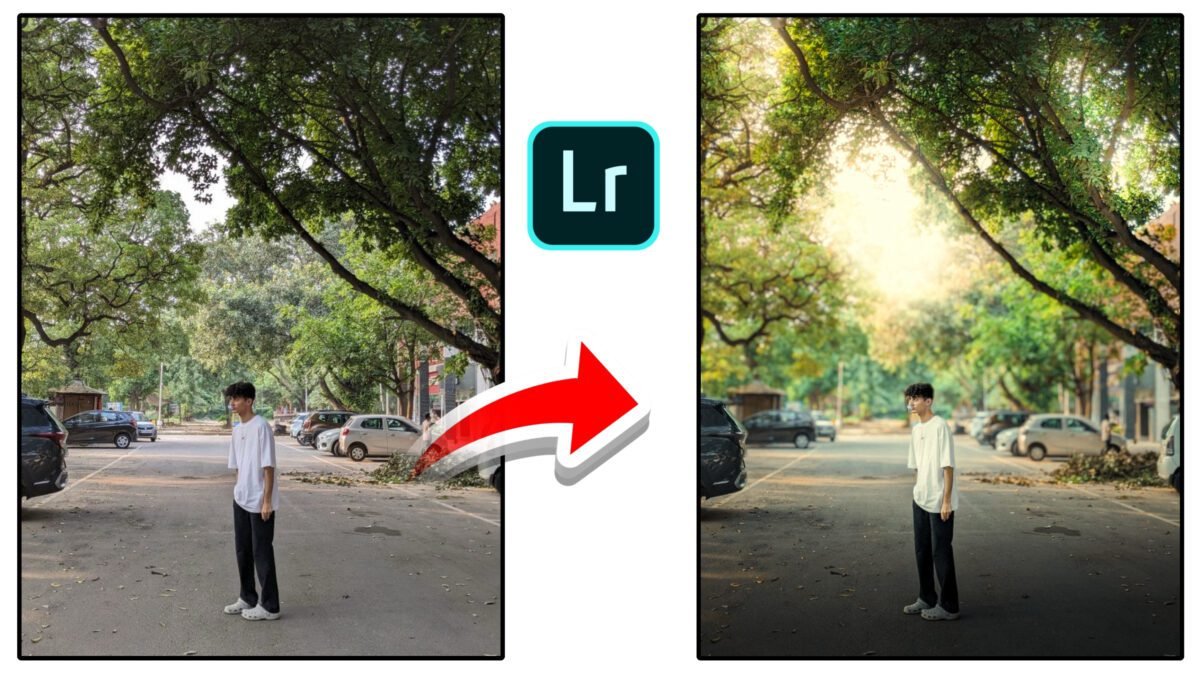
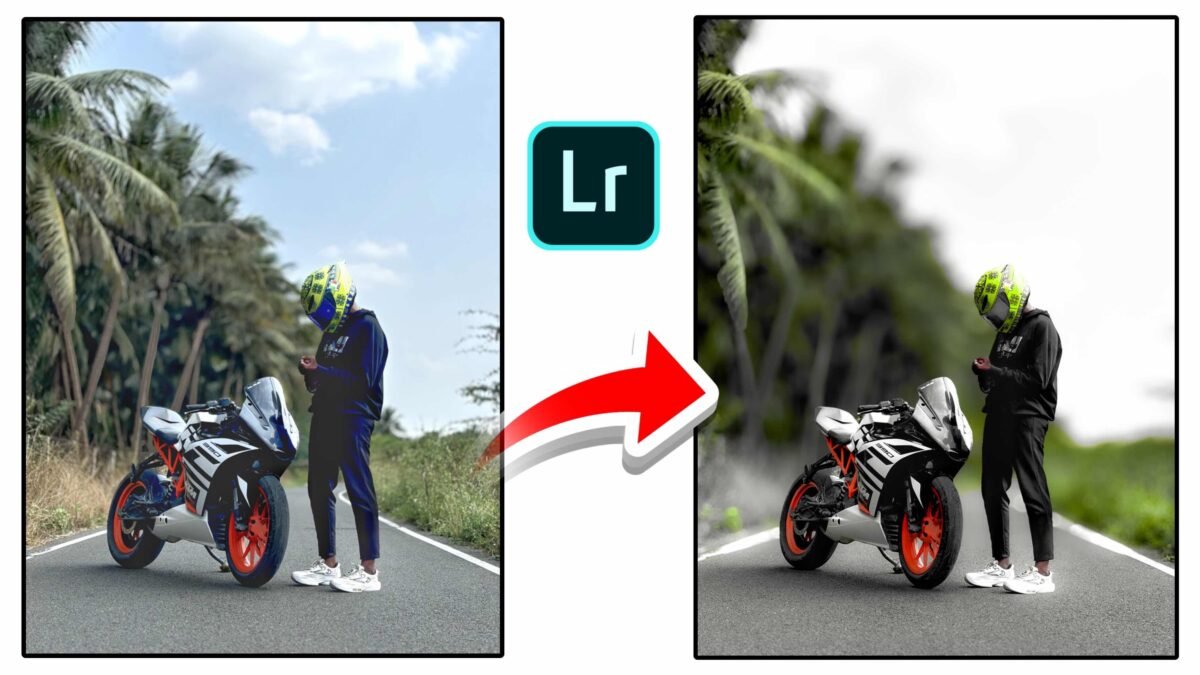
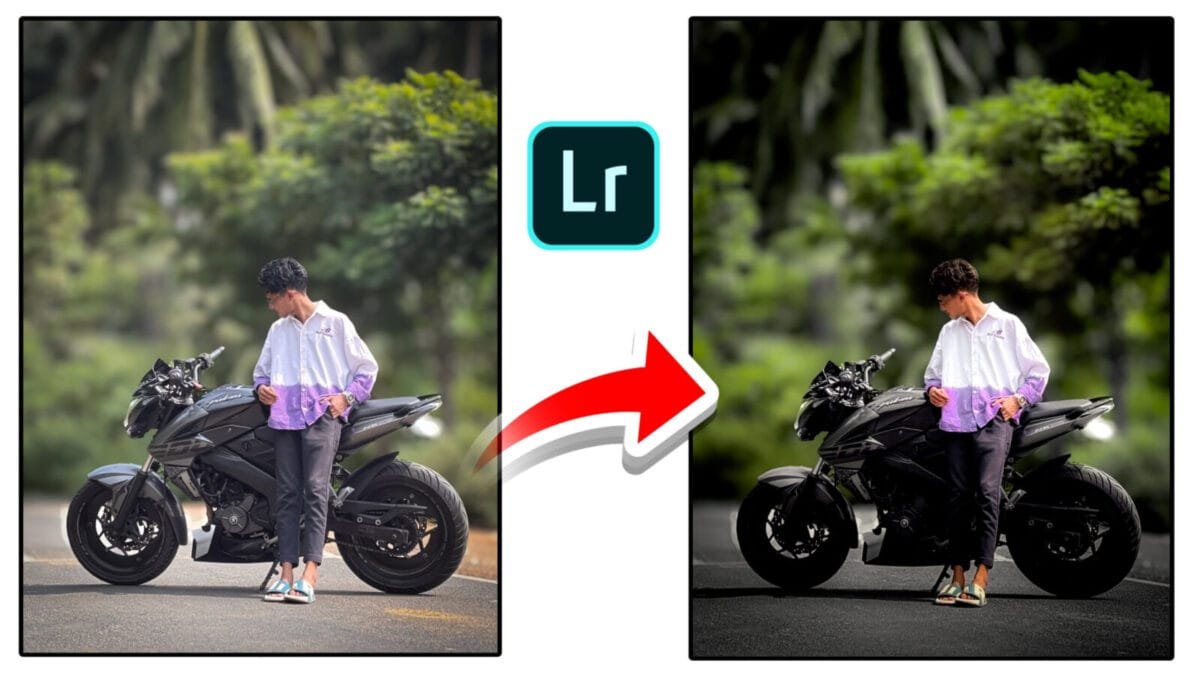
Optimized for photographic workflows: fast RAW processing, nondestructive edits, powerful presets, batch processing, and seamless cloud sync across devices. Lightroom is the go-to choice for wedding, travel, and event photographers.
Capture One Pro
Known for exceptional color rendering and tethered shooting. Capture One is favored by studio photographers for color fidelity, advanced RAW handling, and precise local adjustments.
Affinity Photo
A strong one-time-purchase alternative to Photoshop with professional retouching, layer support, HDR merging, and panorama tools—popular among freelancers and designers on a budget.
Luminar Neo
Focuses on AI-driven enhancements—sky replacement, portrait enhancements, relighting, and creative filters—making it good for fast, impressive edits with minimal manual effort.
Why Professionals Choose High-End Editing Software
- Image Quality: Preserve details and color in high-resolution files.
- Control: Precise adjustments for tonal and color accuracy.
- Workflow Speed: Batch processing, presets, and automation save time.
- Reliability: Support for color-managed exports and print-ready files.
- Flexibility: Ability to combine retouching, compositing, and design in one workflow.
Which Software Should You Use?
| User Type | Recommended Software | Why |
|---|---|---|
| Beginners | Photoshop Express / Lightroom | Simple UI, helpful presets |
| Social Media Creators | Lightroom Mobile / Luminar Neo | Fast edits, creative looks |
| Professional Photographers | Lightroom / Capture One / Photoshop | RAW control, tethering, studio workflow |
| Designers & Artists | Photoshop / Affinity Photo | Layer-based composites & graphics |
| Studios & Agencies | Photoshop + Capture One | High-volume, color-critical work |
Conclusion
Professional photo editing software is indispensable for anyone serious about image quality and creative control. Whether your priority is color accuracy, advanced retouching, or fast batch workflows, there is a tool tailored to your needs. Choosing the right software depends on your specialty, budget, and preferred workflow—master the tools and your images will speak for themselves.